My website is broken
For errors, layout issues, plugin conflicts, checkout problems, or features that have stopped working.
Find clear guidance on WordPress support, maintenance, hosting, security, performance, and common website problems.
Use the blog to understand what is happening, what to check next, and when it may be safer to ask for help.
Find advice on maintenance, security, performance, hosting, repairs, and everyday WordPress questions.
Learn what common issues mean before deciding what to do next.
Move from reading to action if the issue needs expert support.
Quickly jump to the advice most relevant to your site.
Most website problems do not start with a neat category name. Choose the situation that sounds closest to what is happening.
For errors, layout issues, plugin conflicts, checkout problems, or features that have stopped working.
For malware warnings, strange redirects, spam pages, suspicious users, or security concerns.
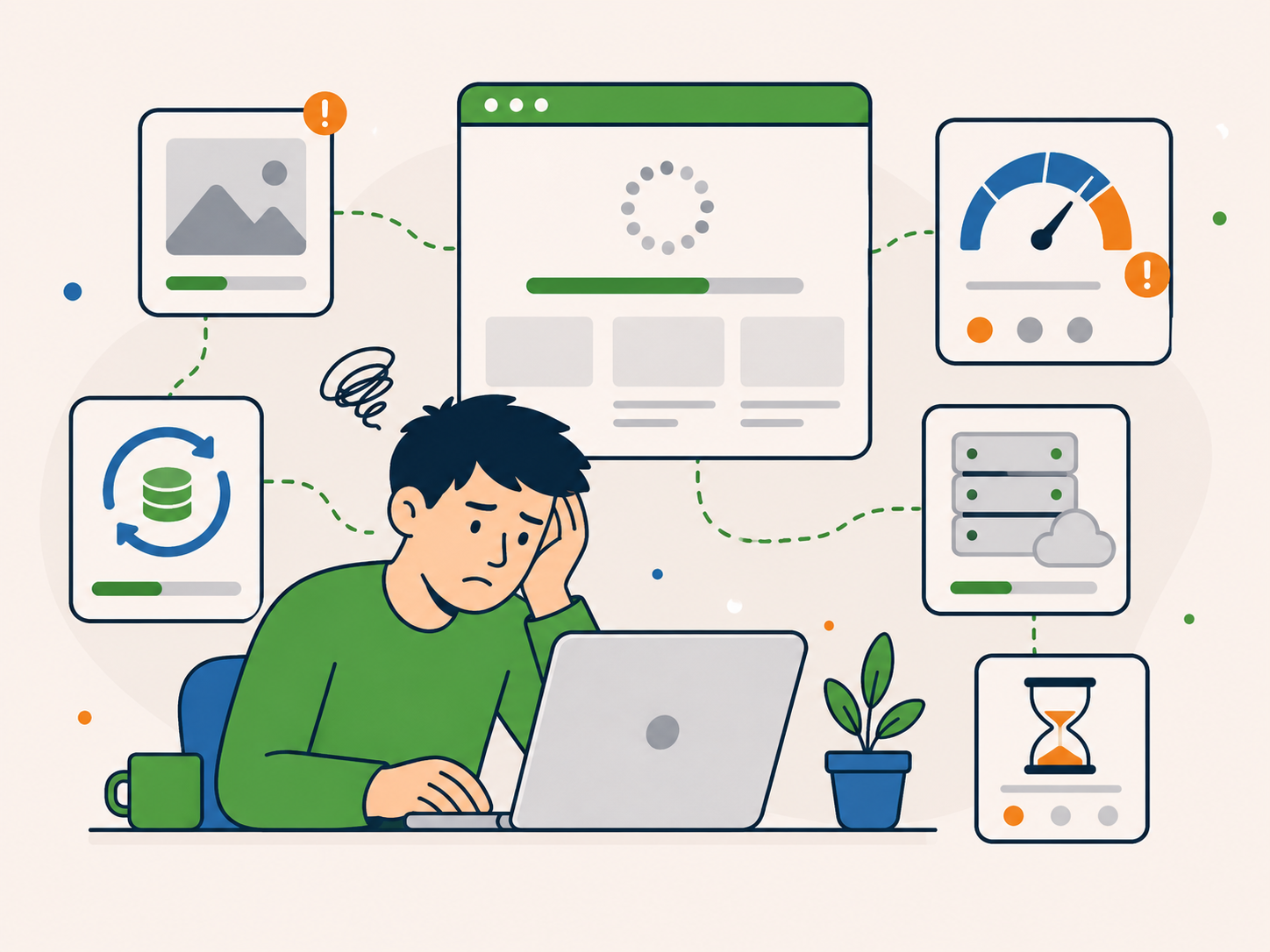
For slow pages, poor Core Web Vitals, image issues, caching problems, or hosting concerns.
Practical guidance from the Newt Labs team.
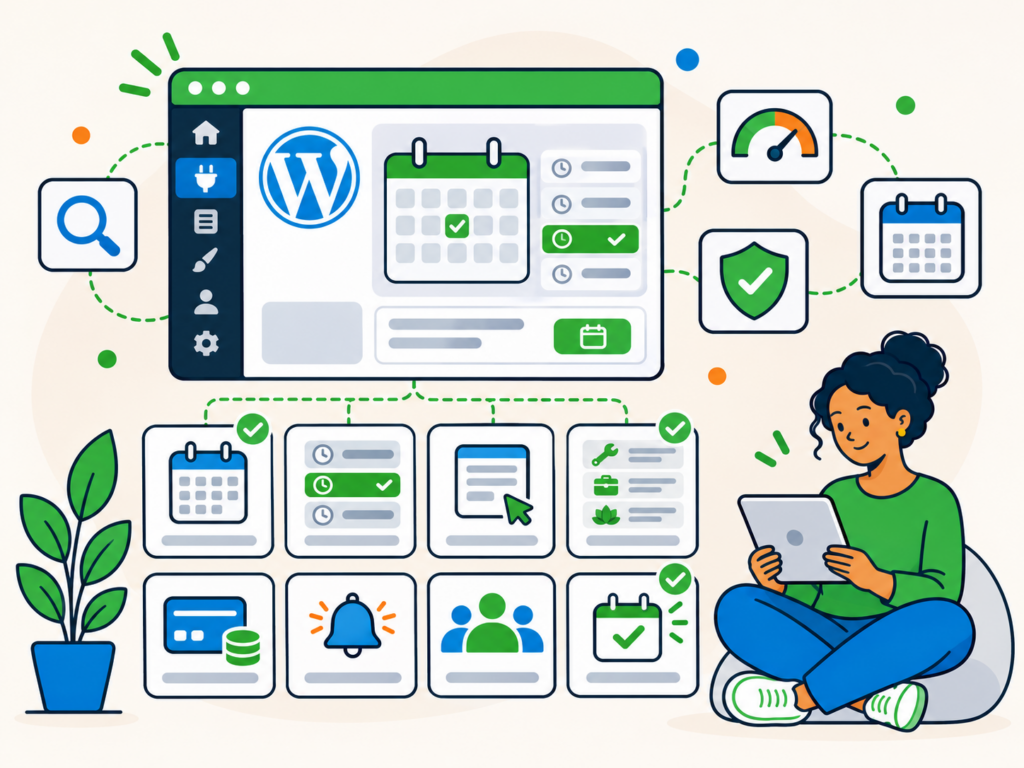
If your business relies on appointments, reservations or rentals, allowing customers to book directly through your website can save time and make managing your schedule easier.…
Read guide →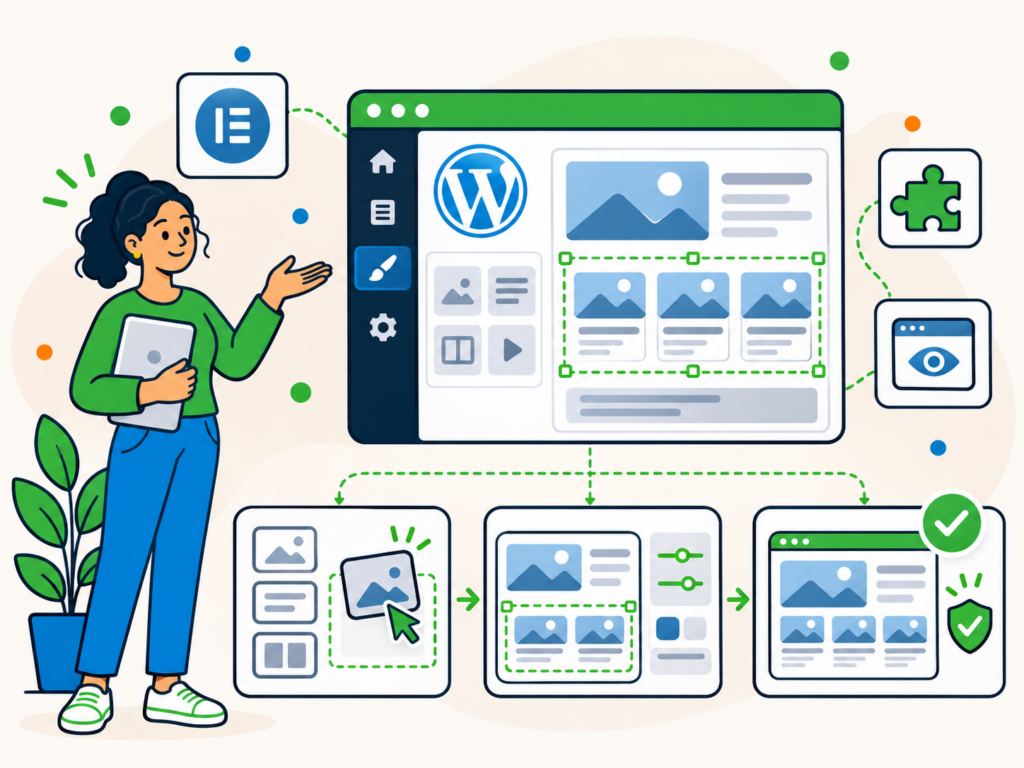
A well-designed blog should make your content easy to read, help visitors find other articles and look consistent across your website. With Elementor blog templates, you…
Read guide →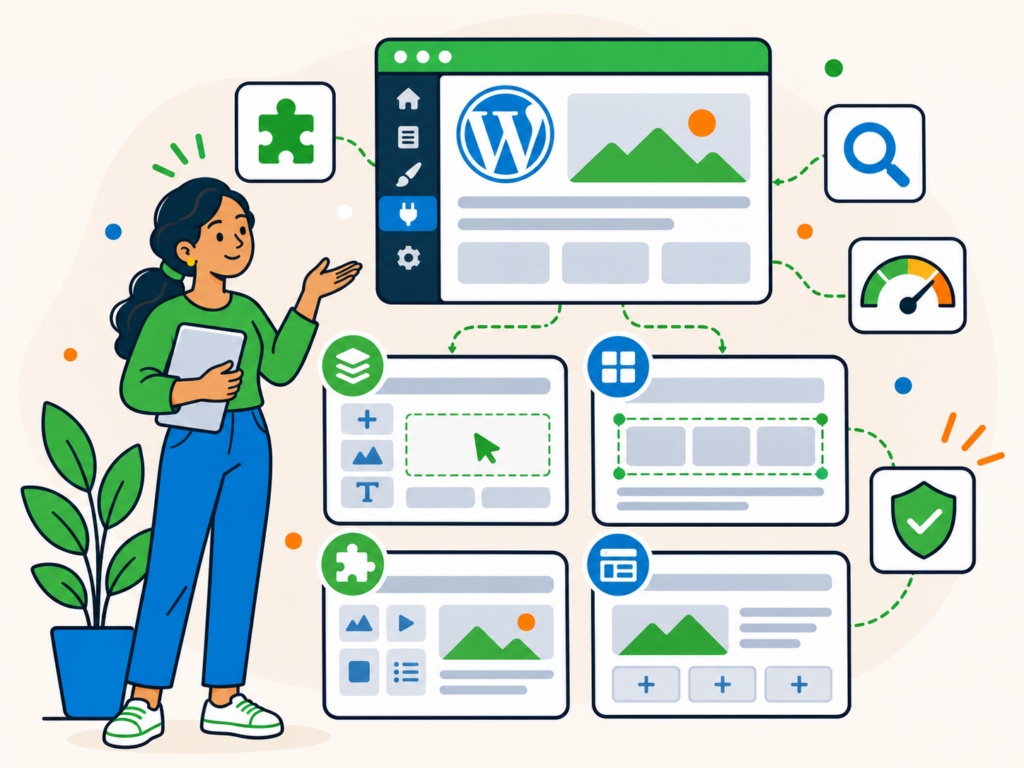
Building a professional-looking WordPress website doesn’t necessarily mean learning to code or paying for expensive design software. WordPress already includes a powerful block editor, but sometimes…
Read guide →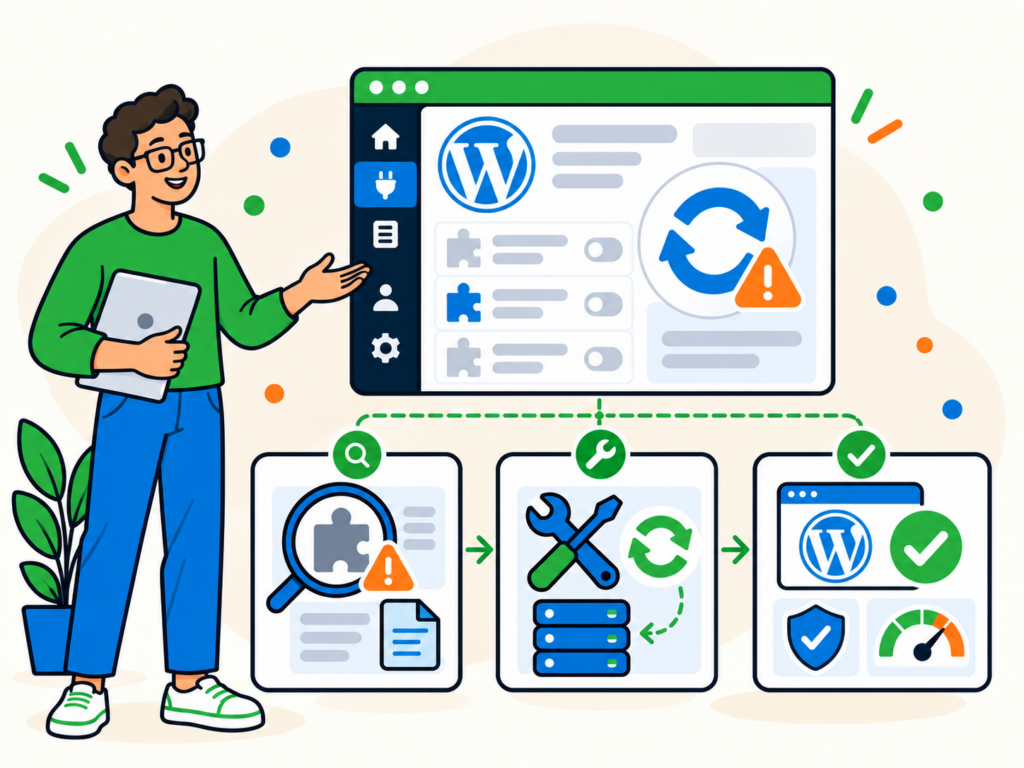
Seeing the message "An automated WordPress update has failed to complete" in your WordPress dashboard can be worrying, especially if you’re unsure whether the update has…
Read guide →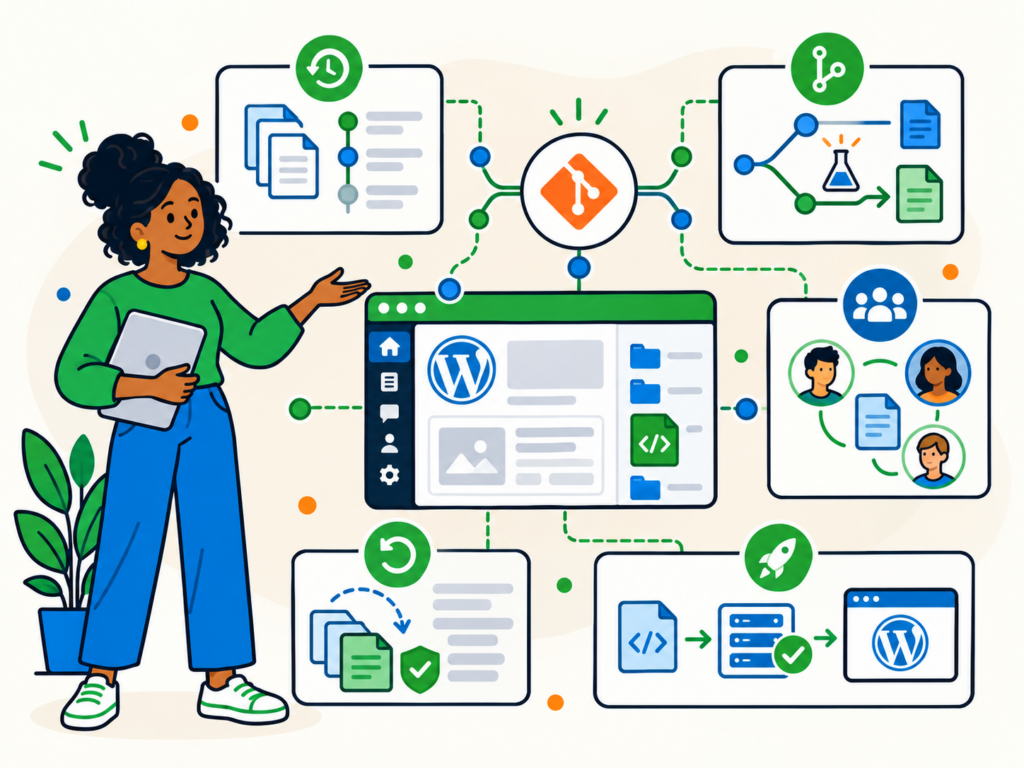
When I first started working with WordPress, I joined a digital marketing agency with a small development team. On my first day, a colleague introduced me…
Read guide →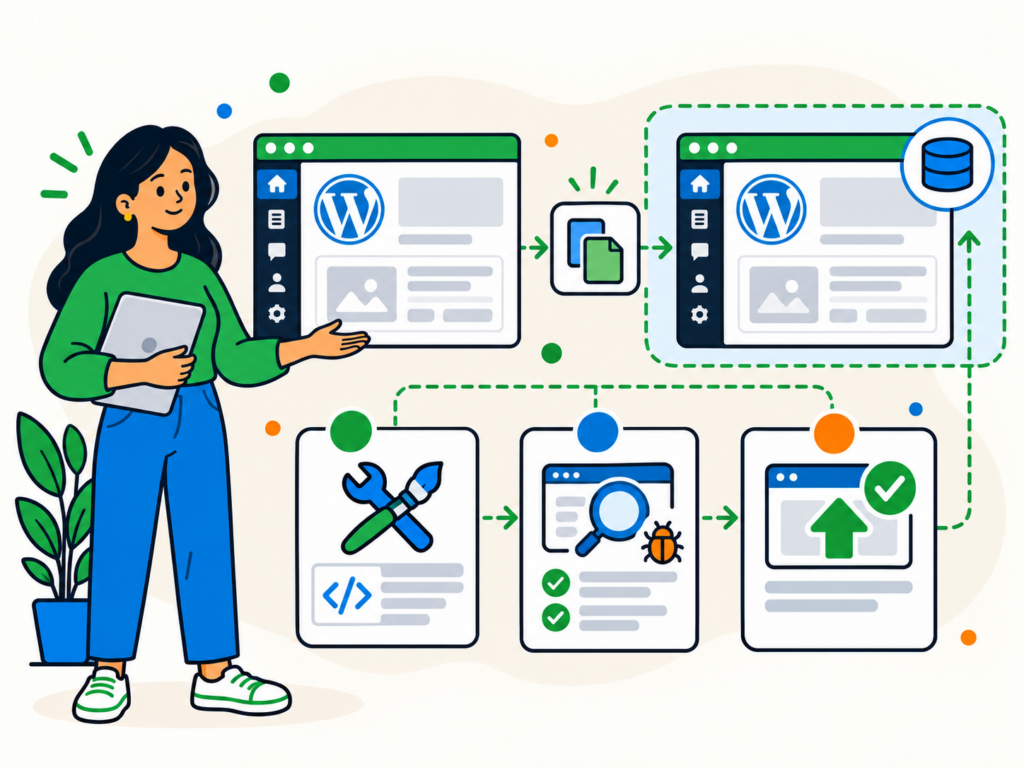
Making changes to a live WordPress website always involves some risk. A plugin update might cause a conflict, a new theme could affect your layout, or…
Read guide →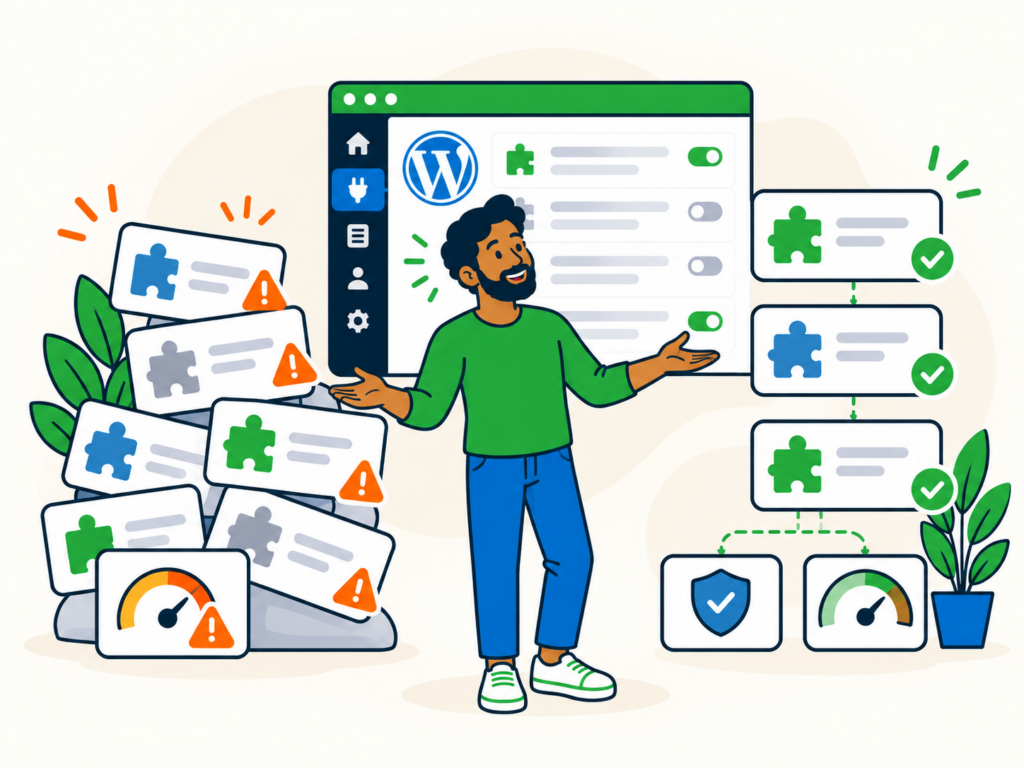
If you’ve been using WordPress for a while, you’ve probably accumulated a few plugins. Perhaps you installed a contact form, added SEO tools, improved your backups…
Read guide →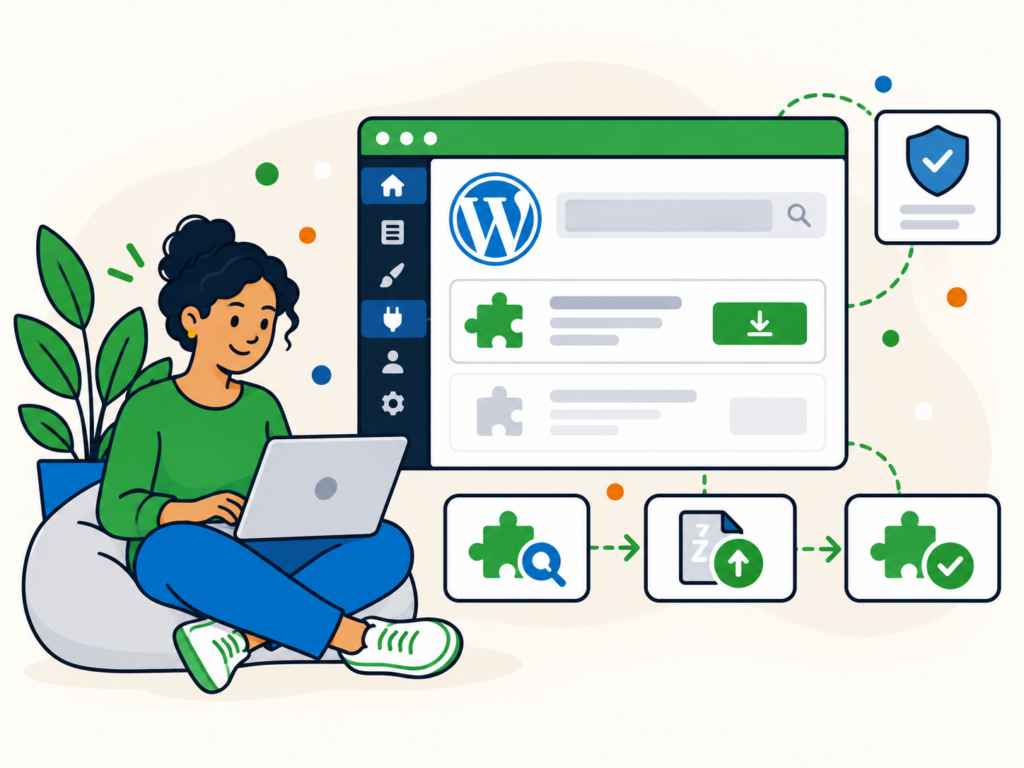
WordPress plugins let you add new features to your website without having to write the code yourself. Whether you need a contact form, online shop, booking…
Read guide →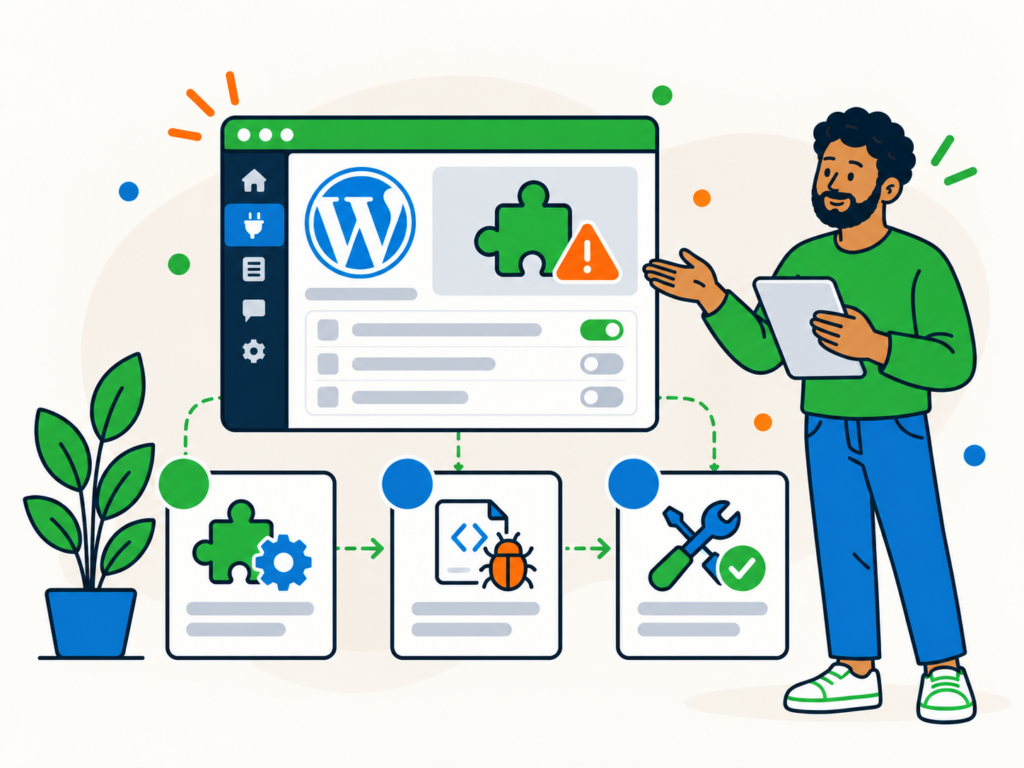
WordPress plugins add useful features to your website, but sometimes they cause problems. A contact form might stop sending emails, your site’s layout could break, or…
Read guide →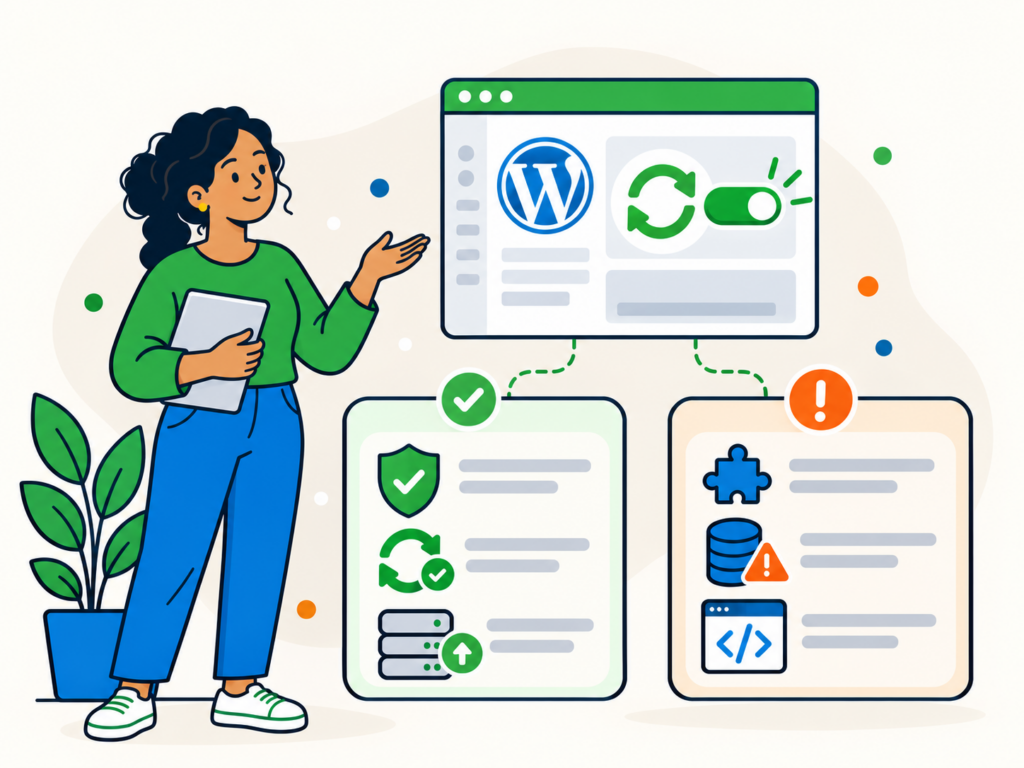
WordPress automatic updates can help keep your website secure and reduce the time spent managing software updates. Instead of manually installing every new release, WordPress can…
Read guide →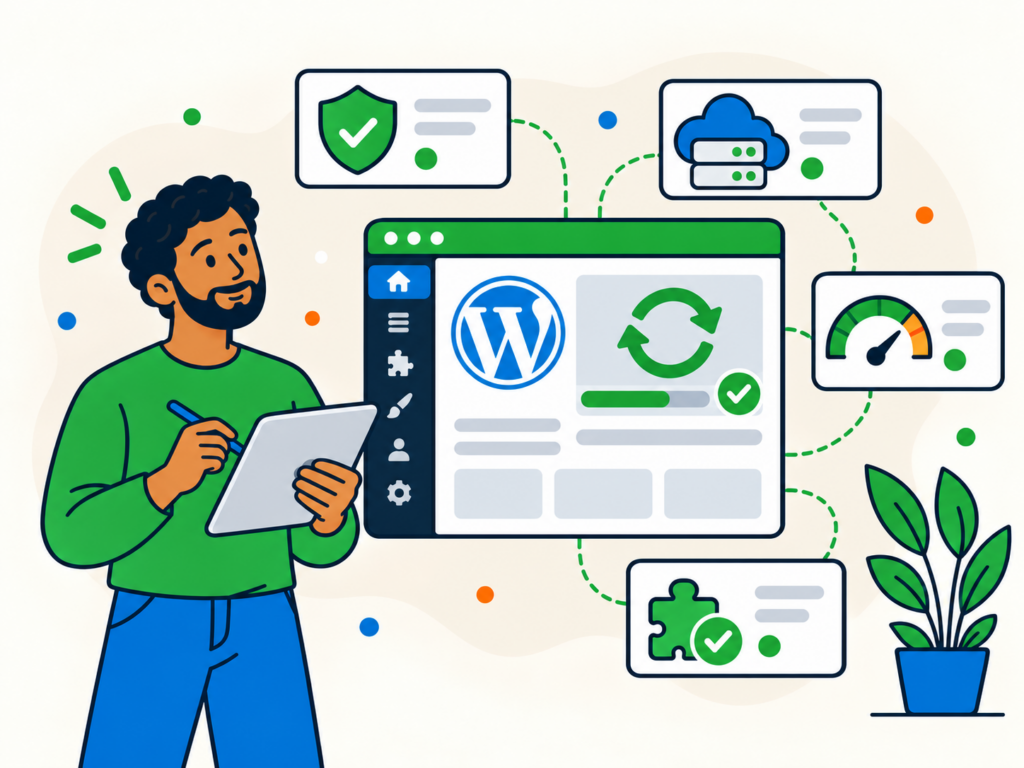
Keeping WordPress up to date is one of the most important parts of maintaining a secure and reliable website. Updates can fix security vulnerabilities, resolve bugs,…
Read guide →
Trying to install a WordPress theme or plugin, only to receive a message saying "The package could not be installed"? This error can appear when WordPress…
Read guide →Browse practical Newt Labs articles about maintenance.
Browse articles →Browse practical Newt Labs articles about security.
Browse articles →Browse practical Newt Labs articles about performance.
Browse articles →Browse practical Newt Labs articles about hosting.
Browse articles →Browse practical Newt Labs articles about repair.
Browse articles →Browse practical Newt Labs articles about support.
Browse articles →If an article has helped you identify the problem but your website still needs attention, tell us what is going on and we will help you choose the next step.