
Missed updates and growing plugin issues
Small problems turning into bigger disruptions
Backups and checks being forgotten
A website that becomes harder to manage over time
WordPress maintenance
WordPress maintenance that keeps your website properly looked after
Ongoing WordPress maintenance helps keep your website updated, checked, backed up, and supported over time. Instead of waiting for problems to appear, you have a dependable team helping you stay on top of the website behind the scenes.
Maintenance is the foundation of our Care Plans, with Security and Performance adding a stronger level of protection and support where needed.
Not sure which level of care is right for your website? We can help you choose the best next step.
Regular upkeep handled properly
Updates, checks, and routine care stay on track instead of being left until later.
Less firefighting
Backups, monitoring, and ongoing oversight help reduce surprises and avoidable issues.
A steadier long-term setup
Your website becomes easier to support when one team is keeping an eye on it over time.
A clear next step
Start with maintenance to understand the foundation, then compare the care plans side by side.
Why WordPress maintenance matters
A website is easier to trust when someone is properly looking after it
WordPress websites need regular attention to stay stable, secure, and easy to manage. When updates are missed and small issues go unchecked, problems are more likely to build up over time.
Ongoing maintenance helps stop that drift. It keeps the important behind-the-scenes work on track, so your website is less likely to run into avoidable issues later.
Good maintenance is not just routine admin. It is part of keeping your website reliable over time.
What ongoing maintenance includes
The ongoing work that helps keep your website in good shape
Good WordPress maintenance is made up of the regular tasks that keep your website updated, checked, protected, and easier to support over time.
The goal is simple: keep important upkeep from being missed, catch issues earlier, and make sure your website is being looked after properly.
WordPress, plugin, and theme updates
Checks after updates are carried out
Backups and ongoing monitoring
Practical support when something needs attention
Clear advice and recommendations over time
Less time worrying about website upkeep
Fewer things slipping through the cracks
More confidence that the site is being watched properly
An easier starting point for longer-term care
Exact features can vary by plan, but the purpose stays the same: keep your website stable, supported, and properly maintained over time.
When ongoing maintenance makes sense
When ongoing maintenance becomes a better fit than one-off support
One-off help is useful when you have a specific problem to solve. Ongoing maintenance makes more sense when the website needs regular attention and you would rather keep that work on track than start from scratch whenever something goes wrong.
You keep needing one-off help
If updates, checks, or smaller website issues keep bringing you back for support, ongoing maintenance can be a more practical long-term route.
Routine upkeep is slipping
Updates, checks, and backups are easier to stay on top of when they are handled regularly rather than whenever someone remembers.
You want continuity
Having the same team look after the website means there is already some context when something needs attention.
You want a steadier setup
Ongoing maintenance gives the website a regular support routine instead of relying only on reactive help.
Many websites still only need a one-off fix from time to time. If yours needs regular attention, ongoing maintenance may be the better fit.
Explore One-Off Services →The foundation of ongoing care
Maintenance is where long-term website care begins
WordPress maintenance covers the core ongoing upkeep that helps keep a website properly looked after over time.
Security and Performance build on that foundation with broader support for websites that need more than the core maintenance level.
Maintenance
The starting point for ongoing website care.
Keeps essential website upkeep on track
Provides regular checks and ongoing oversight
Gives you practical support when something needs attention
Creates a steady foundation for longer-term care
Compare Care Plans
Security
Builds on Maintenance with broader security-focused support.
Everything included in Maintenance
Broader security-focused support
Added protection beyond core maintenance
A stronger fit when security is a bigger priority
View Security
Performance
Builds on the lower care levels with broader support around stability and performance.
Everything included in the lower plans
Broader support around stability and performance
More proactive ongoing care
The broadest Care Plan level
View Performance
Maintenance is the starting point. Security and Performance build on top of it. If you want to compare the options properly, the Care Plans page is the best next step.
If you are unsure which level fits, compare all three care plans side by side or ask us and we can point you in the right direction.
Maintenance and hosting
Maintenance becomes even simpler when the same team handles hosting too
WordPress maintenance works alongside your existing hosting. If you choose Newt Labs managed hosting as an add-on, the same team can look after the website and hosting together, reducing handoffs and making support easier.
You do not need to move hosting to get maintenance support. This is simply a stronger fit for businesses that want everything handled in one place.
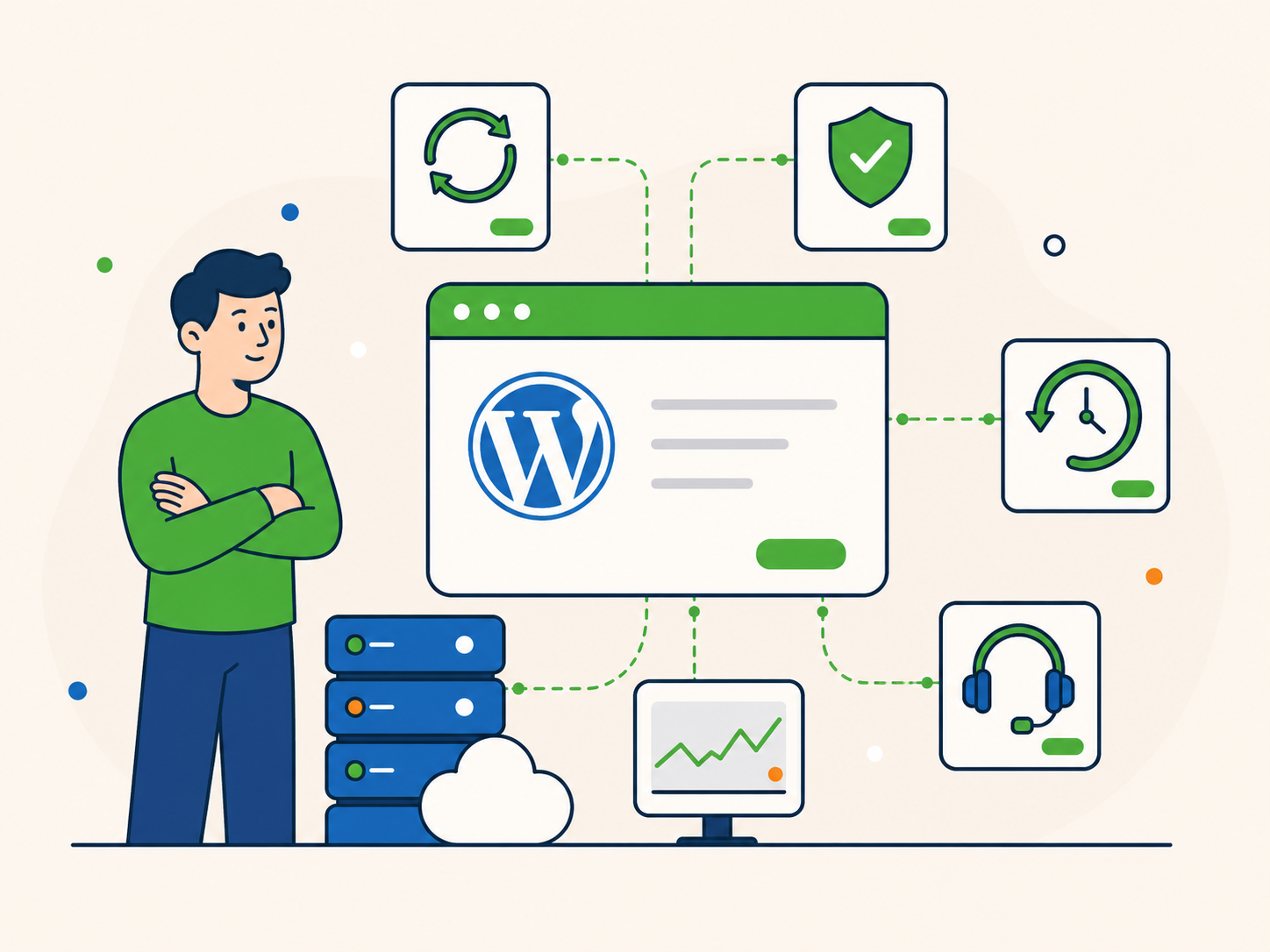
Fewer moving parts when issues come up
Easier troubleshooting and support
Better continuity between updates, backups, and server setup
One team with clearer ownership of the website
What clients value about ongoing care
Ongoing care is easier to value once you have experienced the difference
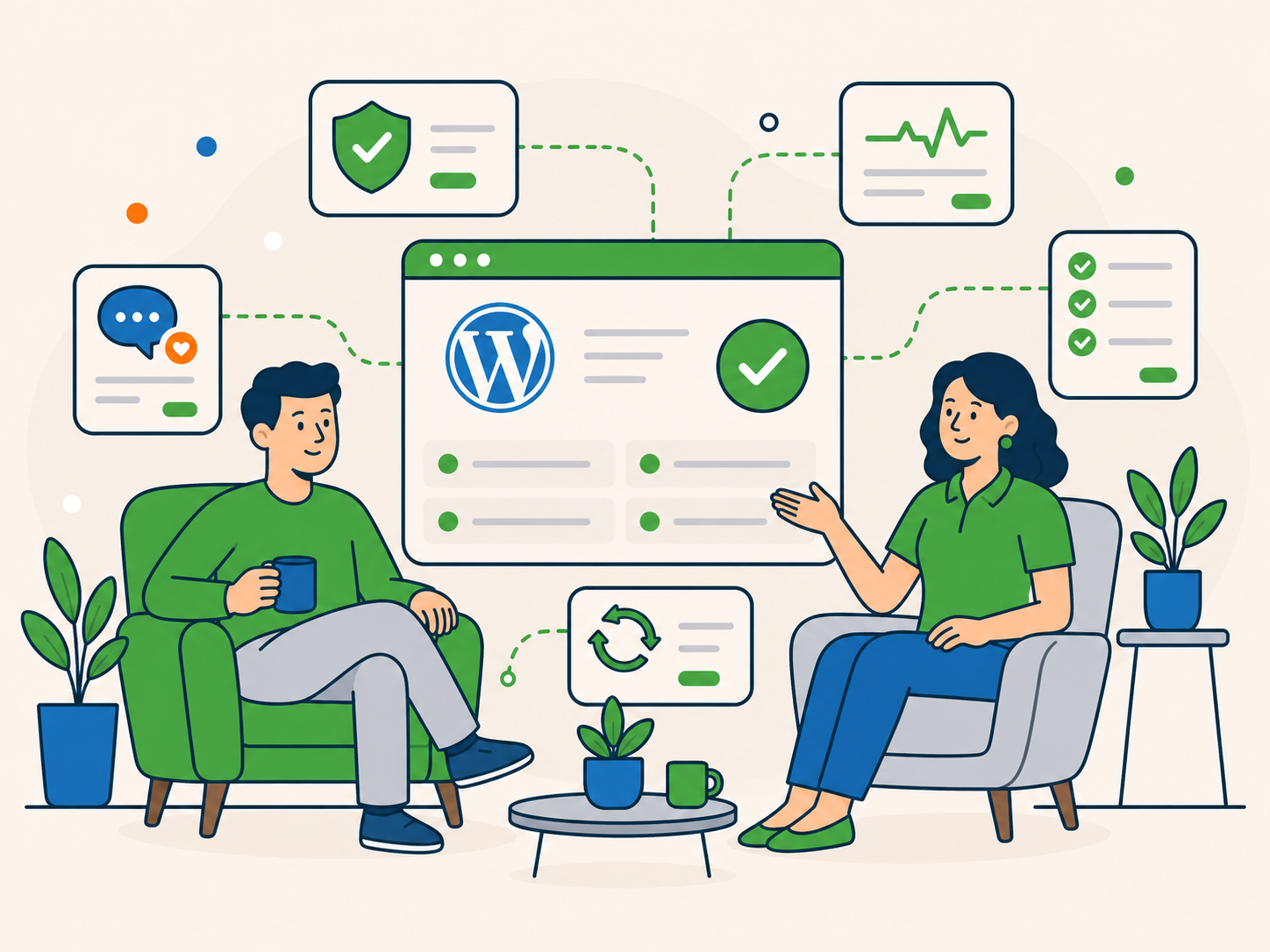
Good maintenance is not just about ticking off updates. It makes the website feel easier to stay on top of, gives you a clearer support relationship, and reduces the stress that comes from always reacting to the next issue.
This is often what clients value most over time. Not just the work itself, but the peace of mind that comes with knowing the website is being looked after properly.
Less worry about what has or has not been checked
Faster, easier support from people who know the site
Fewer surprises and less reactive firefighting
More confidence in the long-term setup
“We have been with Newt Labs for a few years now and it's one of the best business decisions we have made. Their Word Press Care Plan consisting of maintenance, security and support gives us total peace of mind; and their willingness to go above and beyond is impressive. I cannot fault this company.”
 Patsy Hanson, Vemco Consulting
“Newt Labs have been looking after our websites and hosting them for several years. I can't speak highly enough of them. Having worked with other web companies and not been very impressed I was delighted to discover one which gave such great customer service and had such good attention to detail. Quick to respond and definitely know their stuff.”
 Diana Ruthven, Barrow Cadbury Trust
“I can recommend Steven and his team as true professionals with all my heart! He is so responsive, helpful and knows perfectly WordPress and everything related to it. Before we transferred our site to Newt Labs we deal with a team of developers from India and we always had to check/re-check everything they did. Since we got under "Steven's wing", we have forgotten all the pain of the technical side of our site. Thank you so much, guys!”
 Igor Murasev, Face Painting School
Less worry over time
Support from people who know the site
A calmer long-term setup
A simple way to get started
Getting ongoing maintenance in place should feel straightforward
If Maintenance looks like the right fit, start with the Care Plans comparison, choose the plan and billing option you want, then move through checkout. If you are still unsure which level fits, the Care Plan enquiry is there for guidance.
The primary route is to choose the plan that fits. Asking us first is optional, not a required step.
1
Compare the Care Plans
See Maintenance, Security, and Performance side by side and choose the level that best matches your website.
2
Choose Maintenance if it fits
Select your billing and hosting preference, then complete checkout from the main Care Plans page.
3
Move into onboarding
Once you are signed up, we help get the website set up properly so ongoing care can begin.
WordPress maintenance FAQs
Questions people often ask about WordPress maintenance
If you are thinking about ongoing maintenance, it is normal to want a few things clarified first. These are some of the most common questions people have before deciding on the next step.
Is maintenance only useful when something is already wrong?
No. Ongoing maintenance is designed to keep routine website upkeep on track and help catch issues earlier, rather than waiting until there is a problem before getting support.
Where do I compare plans and sign up?
Use the Care Plans page to compare the options side by side and choose the plan that best fits your website.
Do I need to host my website with you?
No. Maintenance can work alongside your existing hosting. Hosting with the same team can make things simpler, but it is not required.
Can I start with a one-off fix and move onto a plan later?
Yes. Many businesses begin with one issue, then move into ongoing maintenance once they decide they want a steadier long-term setup.
How is maintenance different from the other care plans?
Maintenance is the foundation. It covers the core ongoing upkeep of the website. Higher care levels build on that foundation with broader security or performance support.
What if I am not sure which level of care I need?
That is completely normal. You can ask about care plans first, and we can help point you toward the most sensible next step.
You do not need to have everything figured out before getting in touch.
Ready for ongoing care?
Ready for a website that is properly looked after over time?
If ongoing WordPress maintenance feels like the right next step, the Care Plans page is the best place to compare your options. If you would rather talk it through first, we can help you choose the most sensible level of care for your website.
Compare the care levels side by side
Ask for help choosing the right fit
Move into a steadier long-term setup
A clear next step
Choose the route that feels right today. We can help you compare the options or point you toward the best fit for your website.
You do not need to commit to more than you need. The right plan depends on the website, the level of support you want, and how hands-on you want us to be.