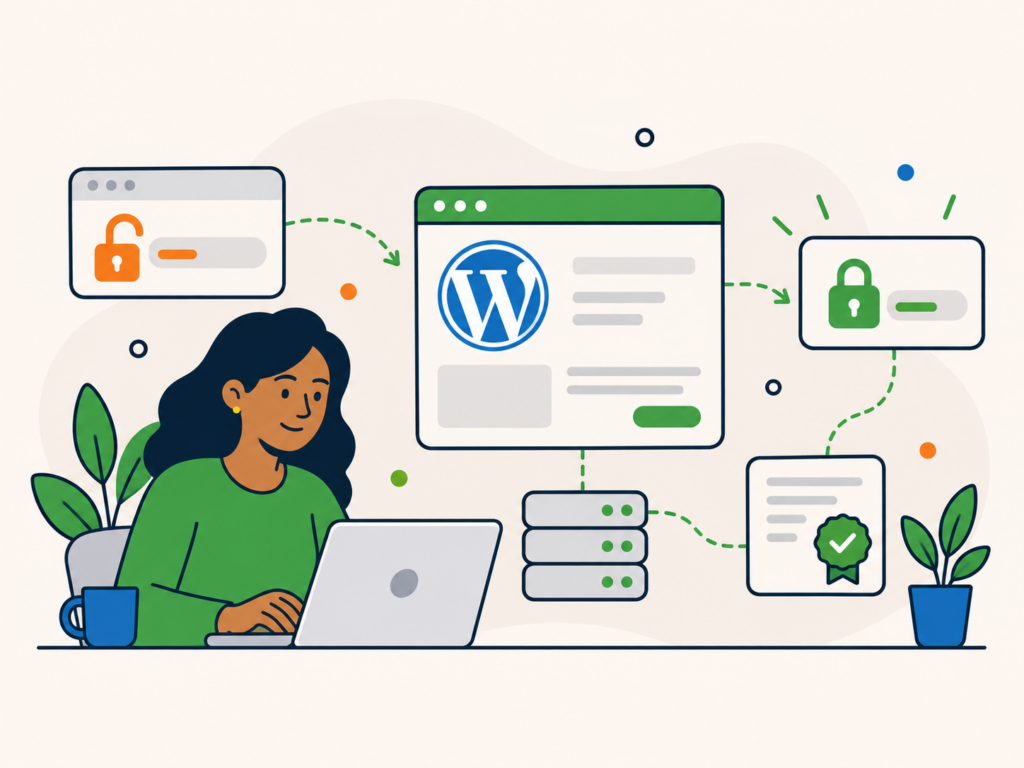
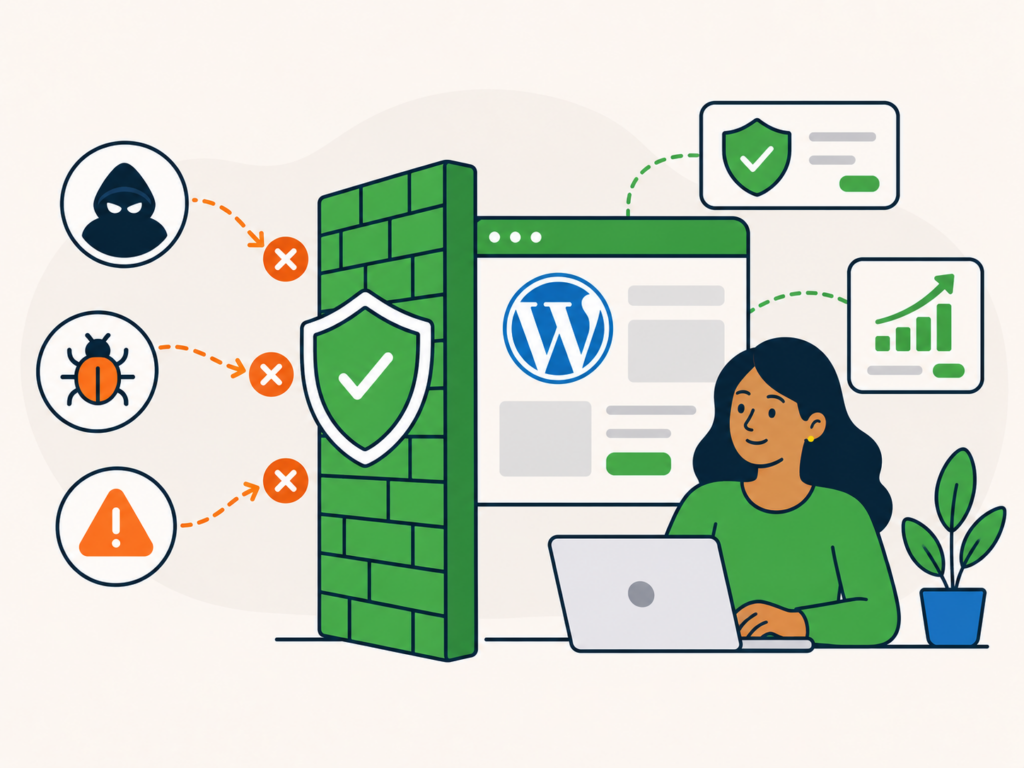
A WordPress firewall adds another layer of protection between your website and potentially harmful traffic.
It can inspect incoming requests, block or challenge suspicious activity, apply rate limits and help reduce exposure to common attacks before those requests are allowed to continue.
But a firewall is not a complete WordPress security solution.
It cannot replace updates, strong access controls, backups, malware monitoring or good hosting. It also cannot guarantee that every attack will be stopped.
The useful way to think about a WordPress firewall is as one defensive layer within a wider security setup.
What is a WordPress firewall?
When people talk about a WordPress firewall, they are usually referring to a web application firewall, often shortened to WAF.
A traditional network firewall controls traffic between networks, systems or ports.
A web application firewall focuses specifically on web traffic.
It examines HTTP and HTTPS requests being sent to your website and applies rules to decide how those requests should be handled.
Depending on the firewall and its configuration, a request might be:
- allowed through normally
- blocked
- challenged
- rate-limited
- logged for investigation
The aim is to identify suspicious or unwanted traffic before it can successfully exploit the website.
For a WordPress site, that can include requests targeting known plugin vulnerabilities, malicious input, automated attacks or login abuse.
How does a WordPress firewall work?
Every visit to a website starts with a request.
A normal request might ask WordPress to display a blog post, load an image or submit a contact form.
A malicious request might instead try to exploit vulnerable code, inject unexpected input or make thousands of automated requests to a login page.
A WAF examines those requests against a set of security rules.
Some rules are broad and designed to recognise common web attacks.
Others may be specific to:
- WordPress
- particular plugins
- known vulnerabilities
- suspicious request patterns
- IP addresses
- request frequency
- bot behaviour
Managed firewall providers can update these rules as new threats and vulnerabilities become known.
This is one reason a WAF can be useful even when the website itself has not changed. The protection layer can adapt as the wider threat landscape changes.
However, firewall rules are still rules and detections. They are not perfect.
A harmful request may not match a rule, while a legitimate request can occasionally resemble malicious traffic.
What can a WordPress firewall help protect against?
The exact protection depends on the firewall, its rule set and how it is configured.
A WAF can commonly help reduce exposure to attacks such as:
- SQL injection attempts
- cross-site scripting attempts
- exploit requests targeting known vulnerabilities
- automated probing
- malicious bots
- login abuse
- excessive request rates
- suspicious requests to sensitive URLs
A firewall may also help limit traffic from known malicious sources or apply extra controls to particular parts of the site.
For example, login-related requests can sometimes be rate-limited so that one source cannot make unlimited attempts in a short period.
It is important not to treat these examples as guarantees.
Two firewall products may handle the same attack very differently, and protection depends heavily on the available rules and how they are configured.
What is the difference between a cloud WAF and a WordPress firewall plugin?
WordPress firewalls can operate in different places.
The two common approaches are cloud or reverse-proxy firewalls and application-level firewalls.
Cloud or reverse-proxy WAF
A cloud WAF sits in front of the website.
Traffic is routed through the firewall provider before it reaches the origin server.
The firewall can inspect requests and block, challenge or rate-limit them before unwanted traffic reaches WordPress.
For this protection to work as intended, web traffic needs to pass through the proxy. If an attacker can reach the origin server directly, they may be able to bypass the cloud WAF.
This can reduce the amount of malicious or abusive traffic hitting the server itself.
Cloud WAFs can also provide other edge services depending on the provider, such as:
- DDoS mitigation
- bot controls
- CDN features
- caching
- traffic analytics
The exact features vary considerably between providers.
Application-level WordPress firewall
An application-level firewall runs on the website’s server.
Some WordPress security plugins include this type of firewall.
Depending on the implementation, the firewall can load before WordPress itself and inspect requests before the rest of the application runs.
This type of firewall can have detailed knowledge of the WordPress environment, but the request has already reached the server before it is processed.
That means unwanted traffic may still consume some hosting resources even if it is ultimately blocked.
Neither approach is automatically right for every website.
The most suitable option depends on the hosting environment, existing protections, traffic levels and how much control you need.
What can a WordPress firewall not do?
A firewall can be useful, but it has important limitations.
It does not automatically:
- remove malware already on the website
- repair modified files
- clean an infected database
- update vulnerable plugins or themes
- replace strong passwords
- replace MFA
- remove unauthorised administrator accounts
- create reliable backups
- guarantee that stolen valid credentials cannot be used
- prove that a website is malware-free
This distinction matters.
If malware is already sitting on the server, adding a firewall does not make that malware disappear.
Likewise, if an attacker already has valid administrator or hosting credentials, their activity may look different from a normal exploit attempt.
A firewall should therefore be treated as preventative and protective infrastructure, not as a replacement for maintaining the site itself.
Can a firewall stop a zero-day vulnerability?
Sometimes a WAF can reduce exposure to a newly discovered vulnerability before every affected website has been patched.
Firewall providers may release emergency or managed rules that identify requests attempting to exploit a high-profile vulnerability.
That can provide an additional layer of protection while site owners apply the real fix.
But it is not guaranteed.
A newly discovered vulnerability may not yet have a dedicated firewall rule, and some vulnerabilities cannot be fully mitigated at the request layer.
The correct response is still to patch, update or replace vulnerable software as soon as an appropriate fix is available.
Do not use a firewall as an excuse to leave vulnerable WordPress software installed indefinitely.
What about brute-force attacks and bots?
Firewalls can play a role in controlling automated traffic, but several different security features can overlap here.
A WAF may be able to:
- rate-limit login requests
- challenge suspicious clients
- block known malicious IP addresses
- detect some automated behaviour
- restrict access to sensitive endpoints
Separate bot-management or login-security features may provide additional controls.
For WordPress login security specifically, MFA remains valuable because it protects accounts even when somebody obtains the correct password.
Rate limiting and bot controls reduce abuse. MFA protects the account itself.
They solve related but different problems.
Can a firewall slow down WordPress?
It depends on the architecture and implementation.
A cloud WAF can block unwanted traffic before it reaches the origin server.
In some cases that can reduce work for the server, particularly when combined with edge caching or other traffic controls.
An application-level firewall runs on the server, so some processing has to happen locally before a request is blocked.
That uses resources.
However, the practical impact depends on factors such as:
- the firewall software
- hosting resources
- traffic volume
- rule complexity
- caching
- server configuration
A properly configured firewall should not be judged purely on whether it adds any processing.
The more useful question is whether the security benefit is appropriate for the site and whether the chosen implementation performs well in that environment.
What are false positives?
A false positive happens when legitimate activity is incorrectly treated as suspicious.
For example, a genuine form submission, API request or administrator action might contain data that resembles something a security rule is designed to block.
This can cause:
- forms to fail
- API requests to be rejected
- editors to lose access to a feature
- customers to encounter unexpected errors
False positives are one reason firewall logs are useful.
If legitimate traffic is being blocked, the answer should normally be to identify the specific rule or request and create the narrowest safe exception.
Disabling large groups of firewall rules simply because one request failed can create unnecessary security gaps.
How should you configure a WordPress firewall?
The best configuration depends on the site, but a few principles apply broadly.
Start with maintained managed rules rather than trying to invent an entire rule set yourself.
Where available, enable rules relevant to WordPress and the technologies the site actually uses.
Use rate limits carefully around areas that attract abuse, such as login endpoints, while making sure legitimate users can still access the site normally.
Review logs when something is blocked.
If you need to make an exception, keep it as specific as possible.
For example, it is usually better to allow a particular legitimate request pattern than to disable an entire class of protection.
Also make sure somebody is responsible for reviewing the firewall over time.
A firewall that was configured years ago and never looked at again should not automatically be assumed to be working as intended.
Does every WordPress website need a firewall?
A WAF can be a useful additional layer for many business WordPress websites.
That does not necessarily mean every site needs a separate firewall plugin or additional paid firewall service.
Your hosting provider may already include:
- network-level protections
- edge filtering
- managed WAF rules
- bot mitigation
- DDoS protection
- login protections
Before adding another security product, understand what is already protecting the site.
Running several overlapping tools without understanding them can sometimes create conflicts, duplicate work or make troubleshooting harder.
The aim should be an effective security setup, not simply the largest possible collection of security plugins.
For a business website where downtime, compromise or data loss would matter, a well-managed WAF is often worth considering as one part of the wider security plan.
Is a firewall enough to secure WordPress?
No.
A firewall protects one part of the attack surface.
WordPress security also depends on things such as:
- keeping WordPress updated
- keeping plugins and themes updated
- removing unused software
- using strong, unique credentials
- enabling MFA where appropriate
- restricting privileged access
- maintaining dependable backups
- monitoring the site
- choosing secure hosting
- having a plan for security incidents
Our guide to WordPress security best practices covers these wider measures in more detail.
A firewall is most useful when it strengthens an already well-maintained website.
It is much less useful if vulnerable software, weak credentials and poor maintenance are ignored behind it.
Does a firewall replace malware scanning?
No.
A firewall and a malware scanner perform different jobs.
The firewall is primarily concerned with traffic reaching the website.
Malware scanning looks for signs that malicious files, code or other suspicious changes may already exist.
A site can therefore benefit from both.
For example, a firewall might block an exploit attempt while a server-side scanner helps identify an unrelated malicious file that is already present.
Our guide to scanning WordPress for malware and security vulnerabilities explains the different types of scans and what each can and cannot tell you.
Neither tool should be treated as proof that a website is completely secure.
What if the WordPress site is already hacked?
If the website is already compromised, installing a firewall should not be treated as the cleanup.
Malicious files, database entries, administrator accounts or backdoors may already exist behind the firewall.
The site needs to be investigated and cleaned.
Our guide to cleaning up a hacked WordPress site explains the DIY recovery process, including backups, file checks, database review, credential changes and validation.
If the compromise is beyond what you are comfortable handling yourself, our WordPress Malware Removal service provides a one-off route to getting the site investigated and cleaned up.
Once the site is clean, a suitable WAF can then form part of the improved security setup.
Where does a firewall fit into WordPress security?
A WordPress firewall is best viewed as another defensive layer.
It can inspect incoming requests, block or challenge suspicious activity, reduce exposure to known attack patterns and help control abusive traffic.
That is valuable.
But the firewall does not replace the fundamentals.
A secure WordPress setup still depends on maintained software, controlled access, strong authentication, backups, monitoring and appropriate hosting.
Use a firewall to strengthen those measures, not to avoid them.
That gives you a much more realistic security model than assuming one plugin, service or security layer can keep every threat out.