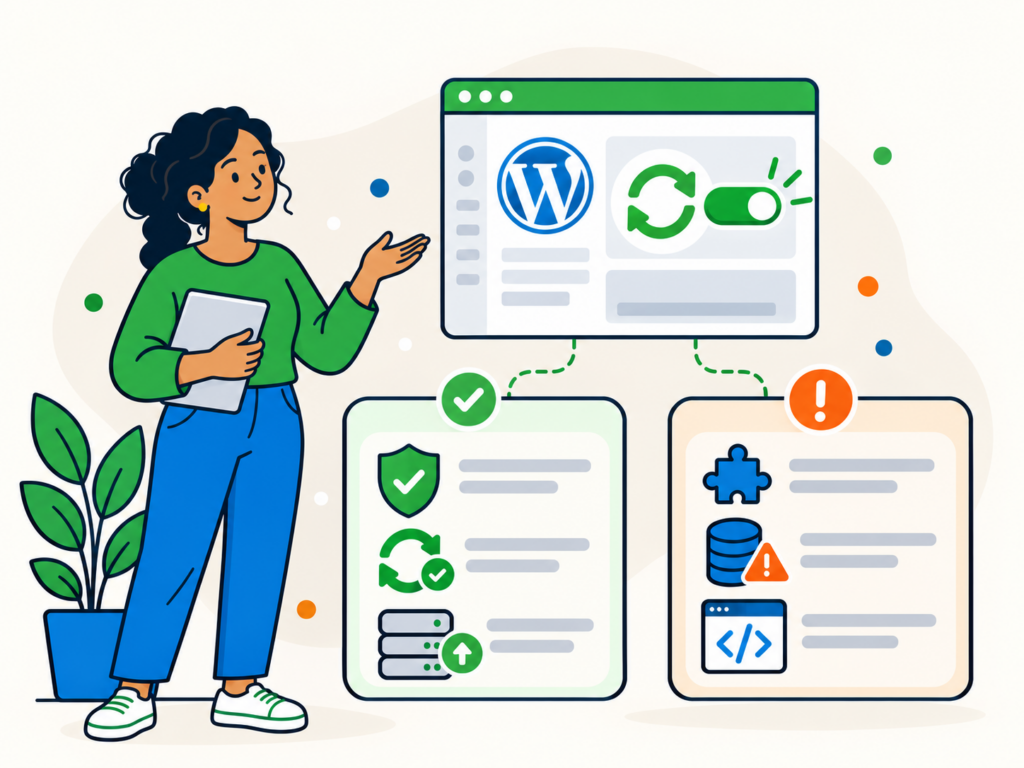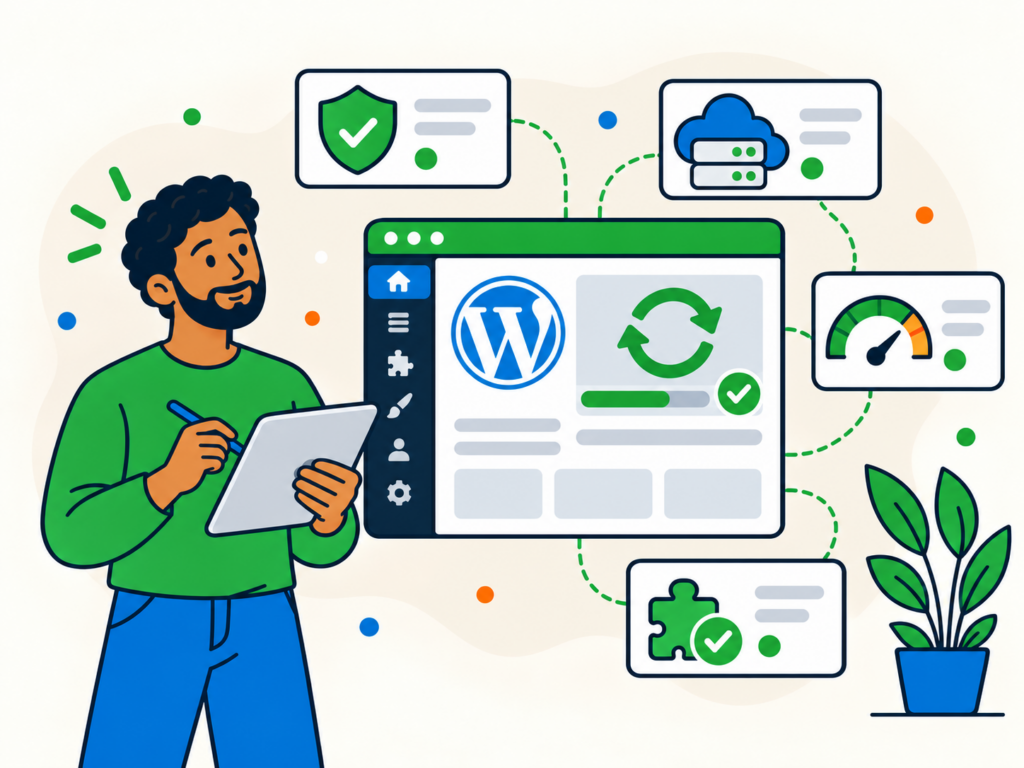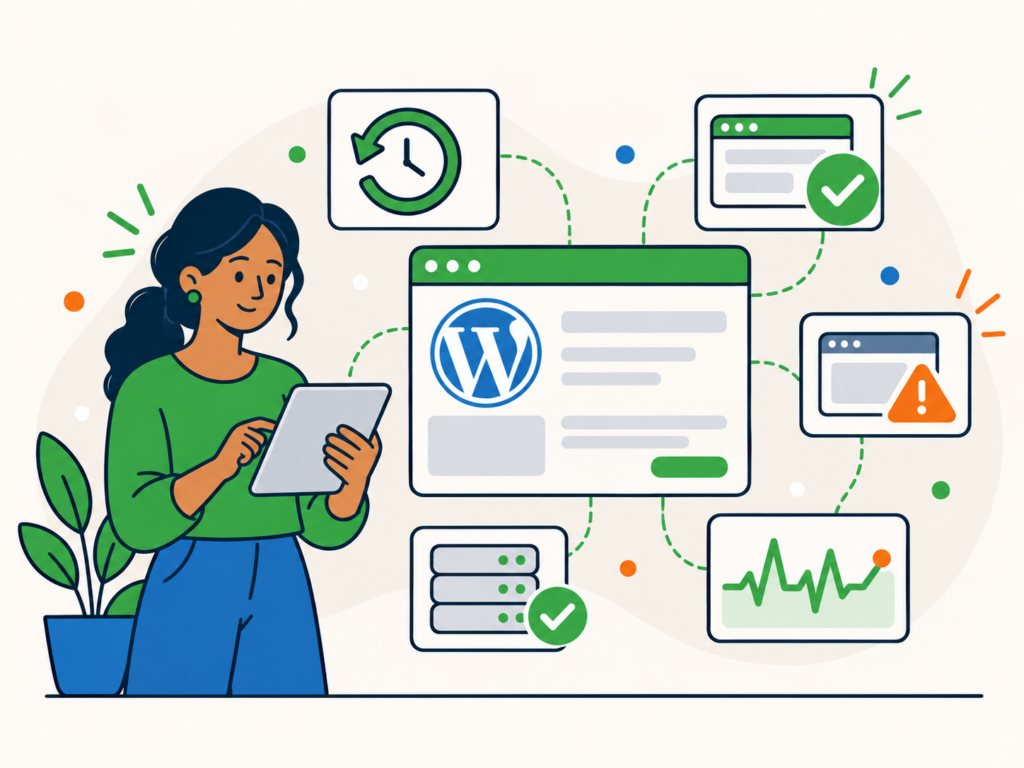
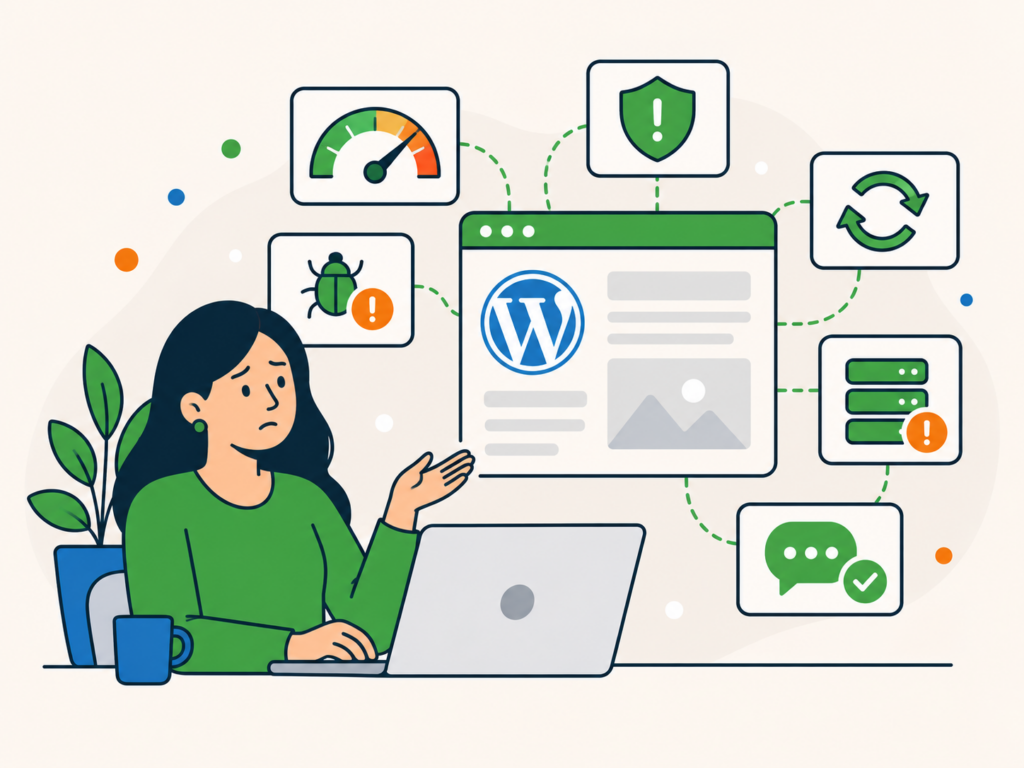
Looking after a WordPress website is manageable when you have the time, knowledge and processes to keep everything running properly. But as your business grows, keeping up with updates, backups and technical checks can become another job on an already busy schedule.
You might find yourself postponing updates, wondering whether your backups work or only discovering a problem when a customer reports it.
These are signs that your website may benefit from ongoing WordPress maintenance support.
Professional maintenance is not necessary for everyone. If you have a reliable routine and feel confident managing your website, you may be happy continuing yourself.
However, if several of the following situations sound familiar, it may be worth considering a maintenance provider.
1. WordPress updates keep getting postponed
You know your website needs updating, but there is always something more pressing to do.
Perhaps plugin updates have been waiting for weeks, or you are reluctant to install a major WordPress update because you are worried about breaking something.
That hesitation is understandable. Updates can occasionally introduce compatibility problems, particularly on websites with custom functionality or several connected systems.
However, leaving updates indefinitely can expose your website to known security vulnerabilities and unresolved bugs.
A maintenance provider can take responsibility for reviewing and applying updates, checking for problems and investigating issues that arise.
The important difference is not simply having someone click an update button. It is having a process for keeping your software current and checking that your website still works afterwards.
2. You are not confident that your backups will work
Having a backup plugin installed is not the same as having a reliable recovery plan.
You need to know whether your backups are completing successfully, what they contain, where they are stored and how to restore them.
This becomes particularly important when your website receives regular orders, bookings, enquiries or content updates.
If something goes wrong, how much information could you afford to lose? Could you restore the website without accidentally overwriting newer orders or customer information?
Professional maintenance can help you establish an appropriate backup routine and keep track of its results.
Before choosing a provider, check the backup frequency, retention period, storage arrangements and whether restoration assistance is included.
Our guide to backing up your WordPress site explains the fundamentals in more detail.
3. You only discover website problems when someone tells you
A customer emails to say your website is down. Someone mentions that your contact form is not working. You discover that an important page has been displaying an error for several days.
If this sounds familiar, your website may need better monitoring and regular checks.
An uptime monitoring service can alert you when your website becomes unavailable, giving you an opportunity to investigate rather than relying entirely on visitors to report problems.
However, uptime monitoring cannot tell you whether every website feature works correctly.
A homepage might load successfully while a booking system, contact form or checkout has stopped working.
Ongoing maintenance can combine availability monitoring with routine checks and a clearer process for dealing with reported issues.
Ask prospective providers what they monitor, how alerts are handled and what happens when a problem is detected outside normal support hours.
4. Small technical problems keep coming back
Perhaps a plugin conflict keeps reappearing, an update repeatedly causes layout problems or an error disappears temporarily before returning.
Fixing an isolated problem can be straightforward. Repeated issues are more frustrating because they take time away from your business without providing lasting confidence.
A maintenance provider that works with your website regularly can build familiarity with its setup, installed software and previous problems.
That continuity can make troubleshooting easier and help identify recurring patterns.
It does not mean every problem will be prevented or that every repair will be included in your monthly fee.
Some issues require additional development work, specialist investigation or changes to the hosting environment.
The important question is whether you need occasional repairs or an ongoing support arrangement that gives you clearer ownership of routine problems.
5. You are unsure whether your website is being kept secure
WordPress security involves more than installing a security plugin.
Software vulnerabilities, inappropriate user permissions, compromised credentials and suspicious changes can all create risks that require attention.
You may have security tools installed but rarely review their alerts. Former employees might still have administrator accounts, or you may not know whether anyone checks for signs of malware.
A maintenance provider can help keep routine security checks and software maintenance on track.
However, security services vary considerably between providers and plans.
Basic maintenance may include security monitoring without covering advanced hardening, a web application firewall or malware removal.
If stronger protection is important to your business, check exactly what is included rather than assuming every maintenance package provides the same safeguards.
Our WordPress security best practices explain the wider measures involved.
If your website is already compromised, it needs appropriate incident response and cleanup rather than relying on routine maintenance alone.
6. Your business depends on your website working properly
A small informational website and a busy online store do not necessarily need the same level of support.
If your website handles important enquiries, bookings, purchases or day-to-day operations, technical problems may have a more immediate business impact.
You might find yourself checking the website repeatedly or worrying about what could happen while you are away.
Ongoing maintenance can provide a more organised approach to updates, backups, monitoring and support.
It is also worth considering whether your website needs additional protection or specialist support beyond routine maintenance.
For example, eCommerce and membership websites can have more demanding requirements because they handle changing data and complex functionality.
Before selecting a plan, confirm that the provider supports your particular website and its important integrations.
Do not assume that a standard maintenance package automatically includes advanced eCommerce troubleshooting or recovery from every type of failure.
7. You are making changes without a reliable testing process
WordPress makes it relatively easy to install plugins, change themes and introduce new functionality.
The difficulty is knowing how those changes will affect the rest of your website.
An update might conflict with another plugin, alter a layout or interrupt an important integration.
If you regularly make significant changes directly on your live website, you may benefit from a more structured approach.
A maintenance provider can help establish a process for checking updates and deciding when additional testing is appropriate.
For more complex changes, a staging website can provide a separate environment in which to investigate compatibility problems before modifying production.
Staging does not guarantee that every issue will be caught, and it needs careful handling on websites with changing orders or customer data.
Check whether staging, testing and deployment assistance are included in the support arrangement you are considering.
8. Website performance is becoming a recurring concern
A website can become slower as its content, functionality or traffic changes.
You may notice that important pages take longer to load, receive complaints from customers or see inconsistent performance when the website is busy.
Regular monitoring can help identify changes that deserve investigation.
However, performance monitoring and performance optimisation are different services.
Monitoring tells you that something may need attention. Optimisation involves investigating and addressing the underlying causes, which might include inefficient code, database queries, images or hosting resources.
Some maintenance plans include basic performance checks but charge separately for substantial optimisation work.
If performance is a significant concern, ask what the provider will actually do when a problem is identified.
Avoid choosing a service based on promises of guaranteed speed improvements without an assessment of your website.
9. You are unsure who is responsible for different parts of your website
Your hosting provider manages the server. Your developer handles occasional changes. Another company manages your domain, while you look after WordPress updates yourself.
This arrangement can work perfectly well when responsibilities are clear.
Problems arise when something goes wrong and everyone assumes that somebody else is dealing with it.
For example, your hosting provider might confirm that the server is running while your developer says the problem is outside their remit.
Professional maintenance can give you a clearer point of contact for WordPress-related upkeep and help coordinate technical investigations.
It is important to distinguish maintenance from managed hosting, though.
Managed hosting generally concerns the hosting environment and the services provided around it. WordPress maintenance focuses on the website’s ongoing upkeep, including updates, backups, monitoring and related support.
The precise responsibilities depend on the provider.
You do not necessarily need to move hosting to receive WordPress maintenance. However, having hosting and care managed by the same team can reduce handoffs if that arrangement suits your website.
10. You keep paying for one-off fixes when you really need ongoing help
There is nothing wrong with paying for a one-off WordPress repair.
If your website has a specific problem and everything else is working well, a single repair may be all you need.
But if you regularly need help with updates, small faults, monitoring or other maintenance tasks, it may be worth looking at the bigger picture.
Rather than treating every routine issue as a separate job, ongoing maintenance gives you a more structured arrangement for looking after the website over time.
It can also make responsibilities and recurring costs easier to understand.
That does not automatically make a care plan cheaper. The value depends on how much support you need, which tasks are included and how often you would otherwise require help.
If you are comfortable maintaining your website and only encounter occasional problems, one-off support may remain the more appropriate option.
What should professional WordPress maintenance include?
WordPress maintenance services vary, so it is important to understand what a provider means by ongoing care.
A typical maintenance arrangement may cover WordPress software updates, backups, monitoring, routine security checks and practical technical support.
Some providers also include broken-link checks, reporting, limited repairs or other regular tasks.
The important part is understanding the scope rather than assuming that every maintenance company offers the same package.
Before signing up, establish how frequently updates and backups are performed, whether backups are kept off-site, what monitoring is provided and how problems are handled.
You should also understand the support arrangements. Check how to request help, which types of repairs are included, whether there are time limits and how additional work is charged.
Ask what happens if an update causes a problem, a backup needs restoring or your website becomes unavailable.
These details matter more than a long list of features with no explanation of how the service operates.
What is the difference between maintenance, hosting and other WordPress services?
Ongoing maintenance, hosting and development can work together, but they are not interchangeable.
WordPress maintenance focuses on the recurring work needed to keep a website updated, monitored, backed up and supported.
Managed hosting concerns the hosting environment and the services provided around it. Depending on the provider, this may include server management, infrastructure monitoring and hosting-related support.
One-off WordPress support addresses a particular problem or change. It can be appropriate when you need a repair, migration or another specific piece of work without committing to ongoing care.
Development and specialist services cover work that may sit outside routine maintenance, such as building new features, major redesigns, advanced security work or substantial performance improvements.
Some providers combine several of these services, while others specialise in just one.
Check the actual service agreement and plan inclusions before assuming a task is covered.
Is professional WordPress maintenance worth it for your website?
The decision comes down to your website’s needs, your available time and how comfortable you are managing its technical upkeep.
If you can keep updates current, verify backups, monitor important functionality and handle problems confidently, you may not need an ongoing maintenance provider.
If those responsibilities are regularly being missed, or your website has become too important to manage without a dependable process, professional maintenance may be worth considering.
You can use our WordPress maintenance checklist to understand the routine tasks involved.
For businesses that would prefer ongoing help, Newt Labs offers three levels of WordPress care.
Maintenance provides the foundation for ongoing website upkeep. Security builds on that foundation with stronger protection, while Performance adds broader optimisation and support.
You can start with core maintenance without automatically committing to a higher level of care.
If you only need help with an existing problem, our WordPress support services provide a separate route for one-off assistance.
Ready to explore ongoing WordPress care?
Compare our WordPress Care Plans to see what is included, choose the level of support that suits your website and sign up.
You can also learn more about our WordPress Maintenance Care Plan if you want to understand the starting level of ongoing care.
If you still have questions about which option suits your website, ask us about Care Plans and we can help you understand the available options.