
My website is broken
For errors, layout issues, plugin conflicts, checkout problems, or features that have stopped working.
Find clear guidance on WordPress support, maintenance, hosting, security, performance, and common website problems.
Use the blog to understand what is happening, what to check next, and when it may be safer to ask for help.
Find advice on maintenance, security, performance, hosting, repairs, and everyday WordPress questions.
Learn what common issues mean before deciding what to do next.
Move from reading to action if the issue needs expert support.
Quickly jump to the advice most relevant to your site.
Most website problems do not start with a neat category name. Choose the situation that sounds closest to what is happening.
For errors, layout issues, plugin conflicts, checkout problems, or features that have stopped working.
For malware warnings, strange redirects, spam pages, suspicious users, or security concerns.
For slow pages, poor Core Web Vitals, image issues, caching problems, or hosting concerns.
Practical guidance from the Newt Labs team.
Would you know if your WordPress website went offline while you were away from your computer? You might discover the problem when a customer reports it,…
Read guide →
Something has stopped working on your WordPress website. Perhaps a page is showing an error, a form has stopped sending enquiries, or you cannot log in…
Read guide →
A reliable backup can make the difference between recovering your WordPress website and having to rebuild it after something goes wrong. Your website could be affected…
Read guide →
Looking after a WordPress website is manageable when you have the time, knowledge and processes to keep everything running properly. But as your business grows, keeping…
Read guide →
A WordPress website needs regular attention to keep it secure, reliable and working as expected. Even if you rarely change your content, software updates, hosting changes…
Read guide →
Adding HTTPS to WordPress involves more than installing a certificate and changing a setting. The certificate needs to be valid for your domain, the web server…
Read guide →
A WordPress firewall adds another layer of protection between your website and potentially harmful traffic. It can inspect incoming requests, block or challenge suspicious activity, apply…
Read guide →
Cleaning up a hacked WordPress website involves more than deleting the first suspicious file you find. A compromise can affect WordPress files, plugins, themes, database content,…
Read guide →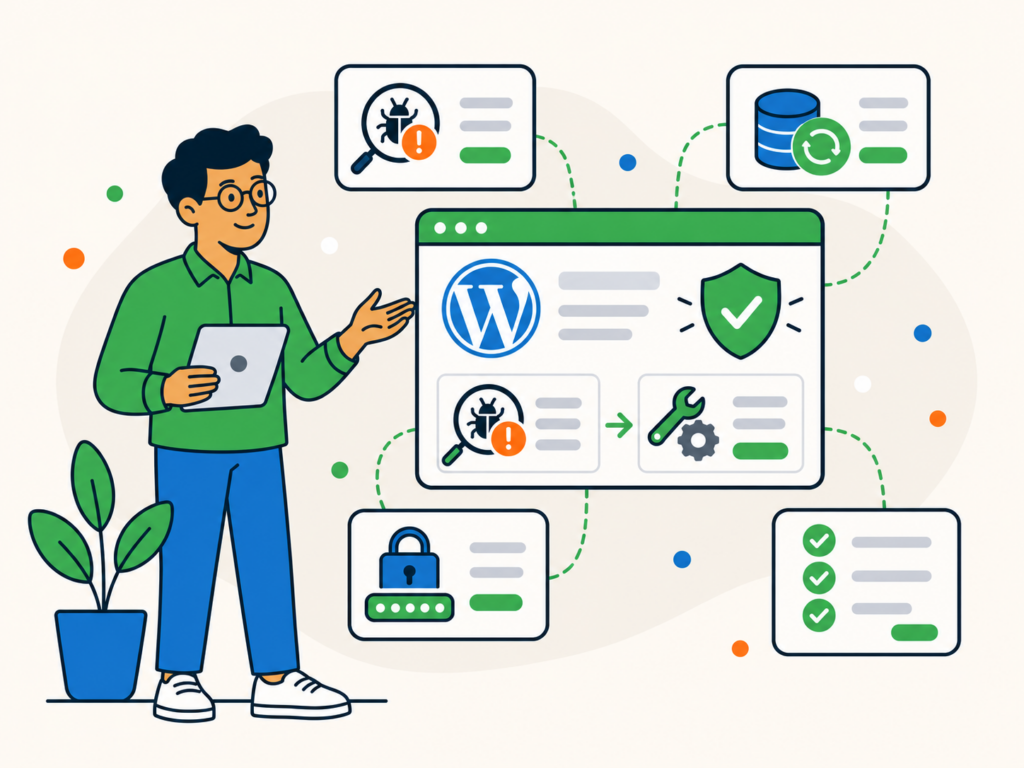
Professional WordPress malware removal involves more than running a scanner and deleting whichever files it flags. A compromised website may contain malicious files, injected code, unwanted…
Read guide →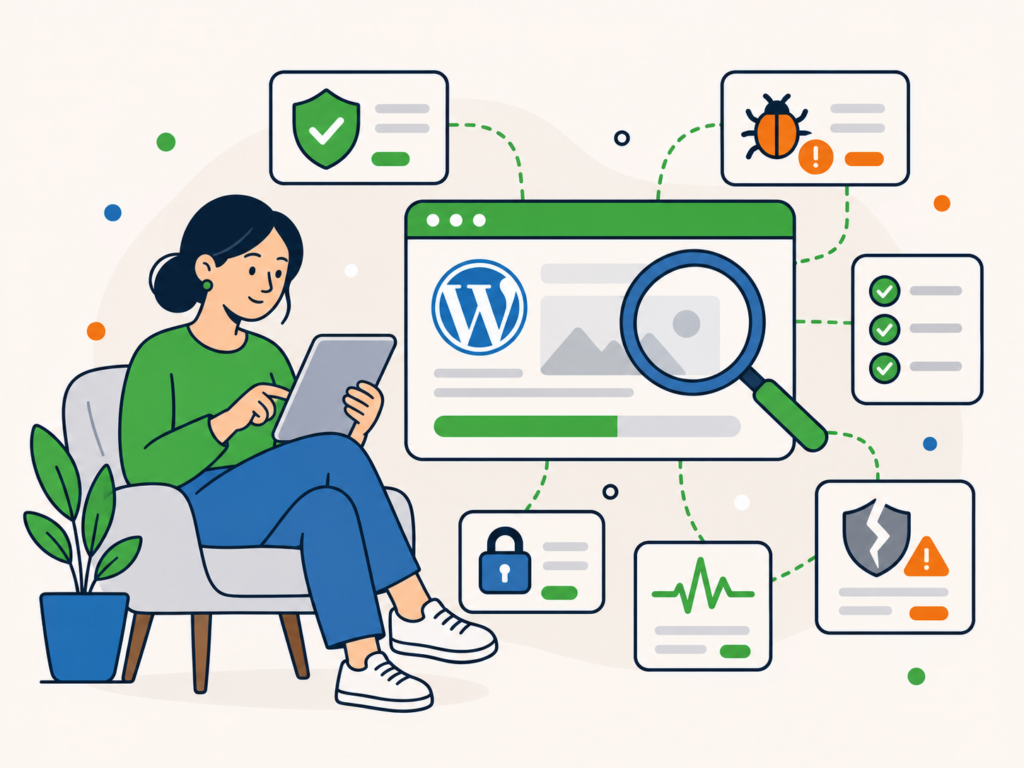
Scanning a WordPress website can help you find malware, suspicious file changes and known security vulnerabilities. But there is an important limitation to understand before you…
Read guide →
A hacked WordPress website is not always obvious. Sometimes the signs are difficult to miss. Visitors may be redirected to another website, strange pages may appear…
Read guide →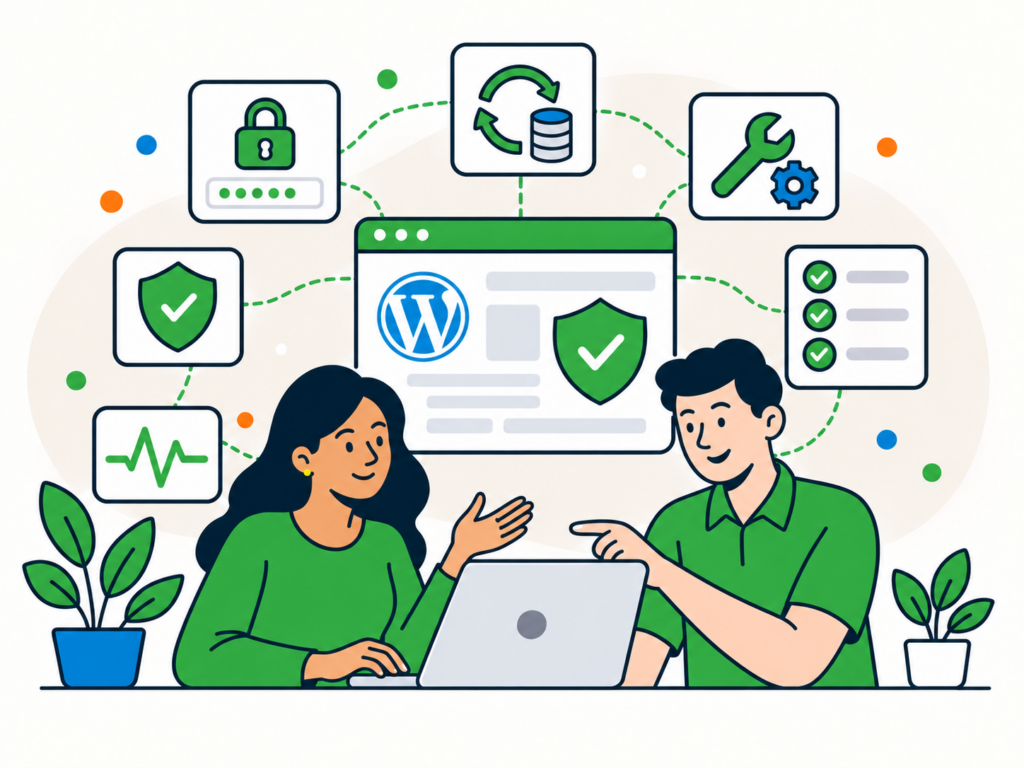
WordPress security is not about finding one plugin, changing one setting or hiding your login page. A safer website comes from several layers working together. You…
Read guide →Browse practical Newt Labs articles about maintenance.
Browse articles →Browse practical Newt Labs articles about security.
Browse articles →Browse practical Newt Labs articles about performance.
Browse articles →Browse practical Newt Labs articles about hosting.
Browse articles →Browse practical Newt Labs articles about repair.
Browse articles →Browse practical Newt Labs articles about support.
Browse articles →If an article has helped you identify the problem but your website still needs attention, tell us what is going on and we will help you choose the next step.