
Website down or not loading
For sites that are unavailable, timing out, or showing server errors.
If your WordPress site is down, showing errors or stopping customers from using it, you can start a one-off Website Repair for a defined fault. If you suspect malware or are unsure which service fits, there is another route for that.
You do not need to know the technical cause to start a repair. Describe what has happened, and we will explain if a different service or additional work is needed.
Think your site has been hacked? Start Malware Removal.
These are some of the problems that can interrupt a WordPress website. The symptoms may help you choose a starting point, even when the cause is unclear.
For sites that are unavailable, timing out, or showing server errors.
For WordPress errors that stop your site or admin area from loading properly.
For issues that started after a WordPress, plugin, or theme update.
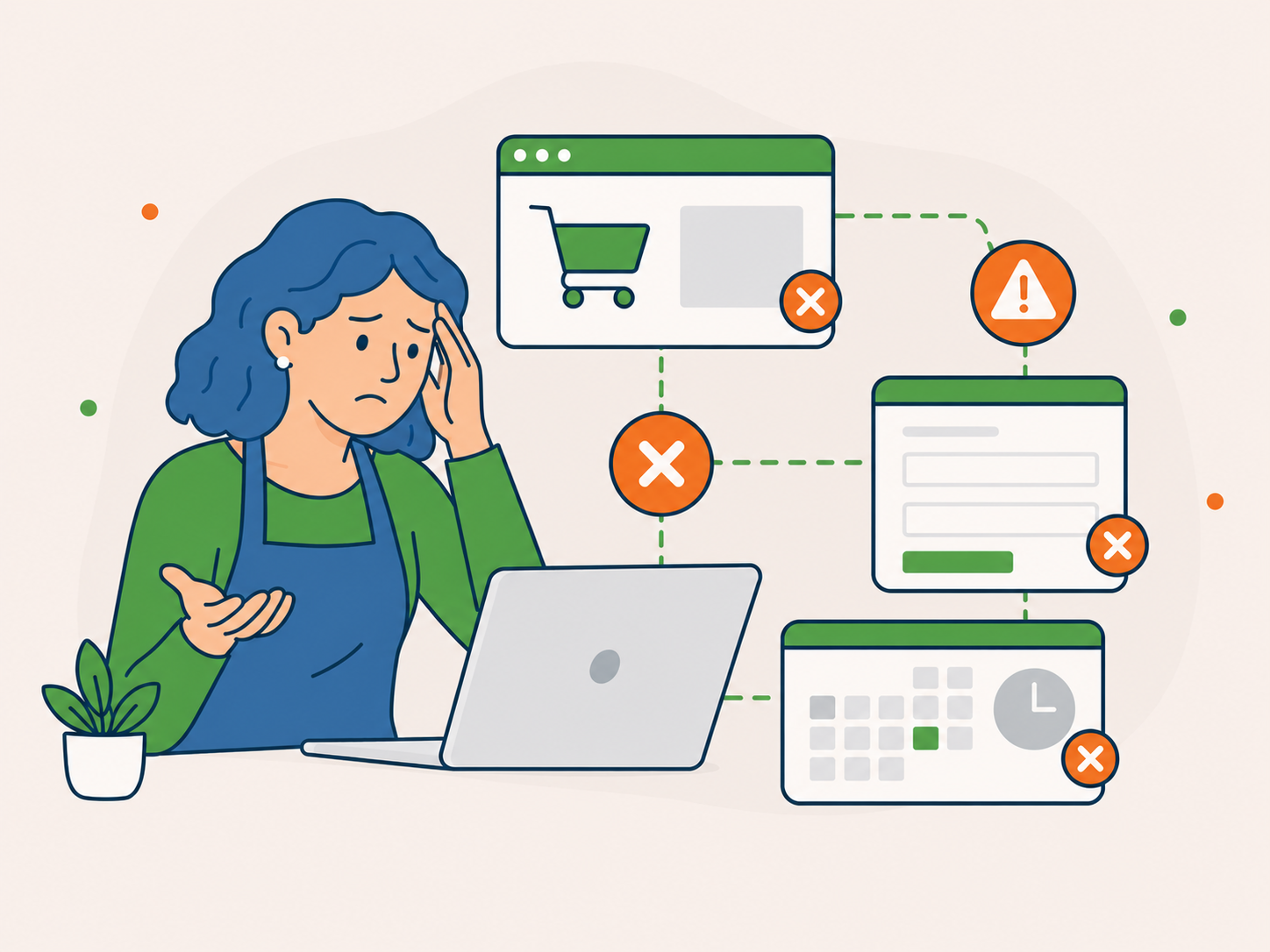
For problems that stop customers from buying, enquiring, booking, or logging in.
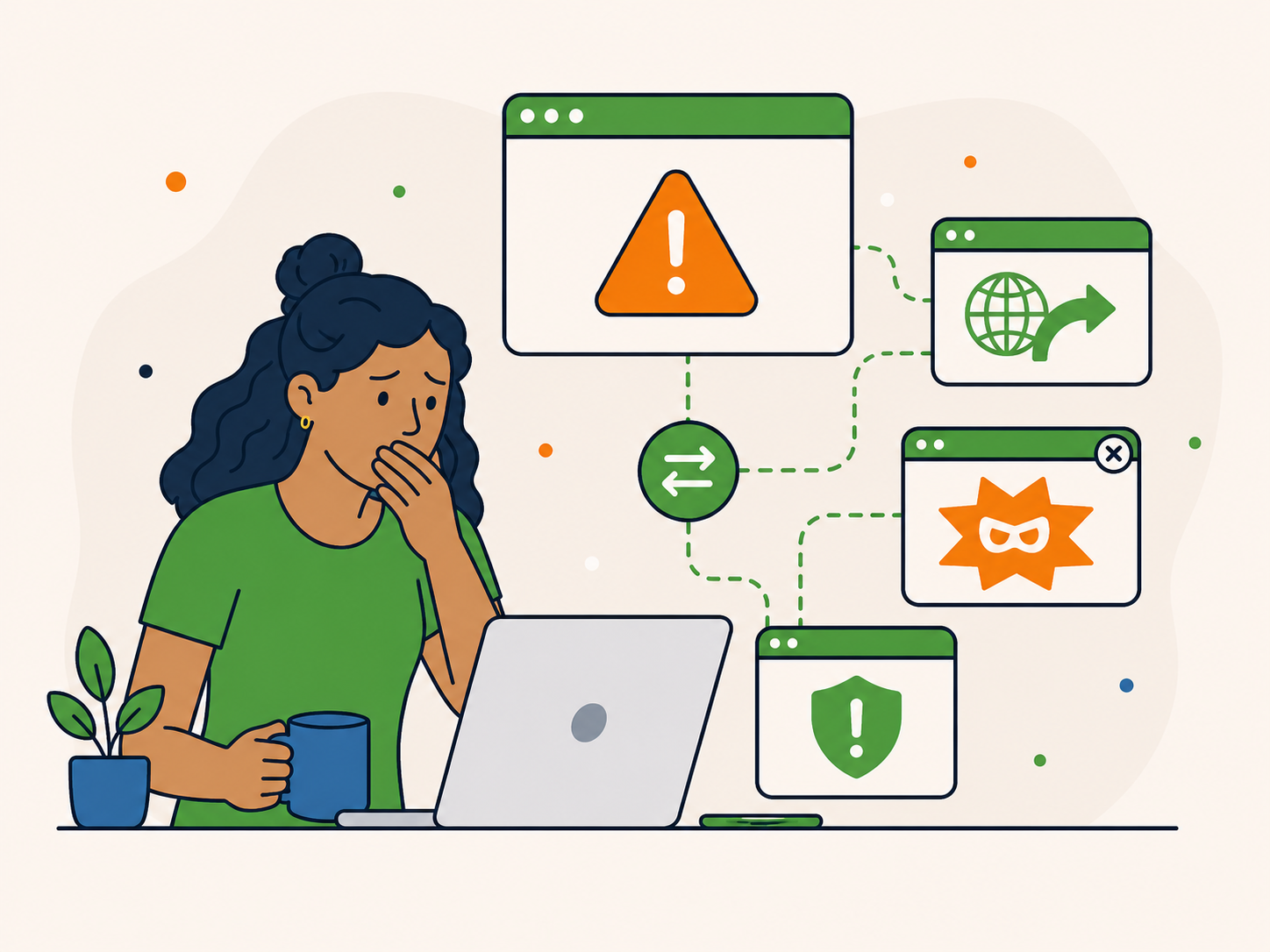
For malware warnings, spam, popups, redirects, or behaviour that does not look right.
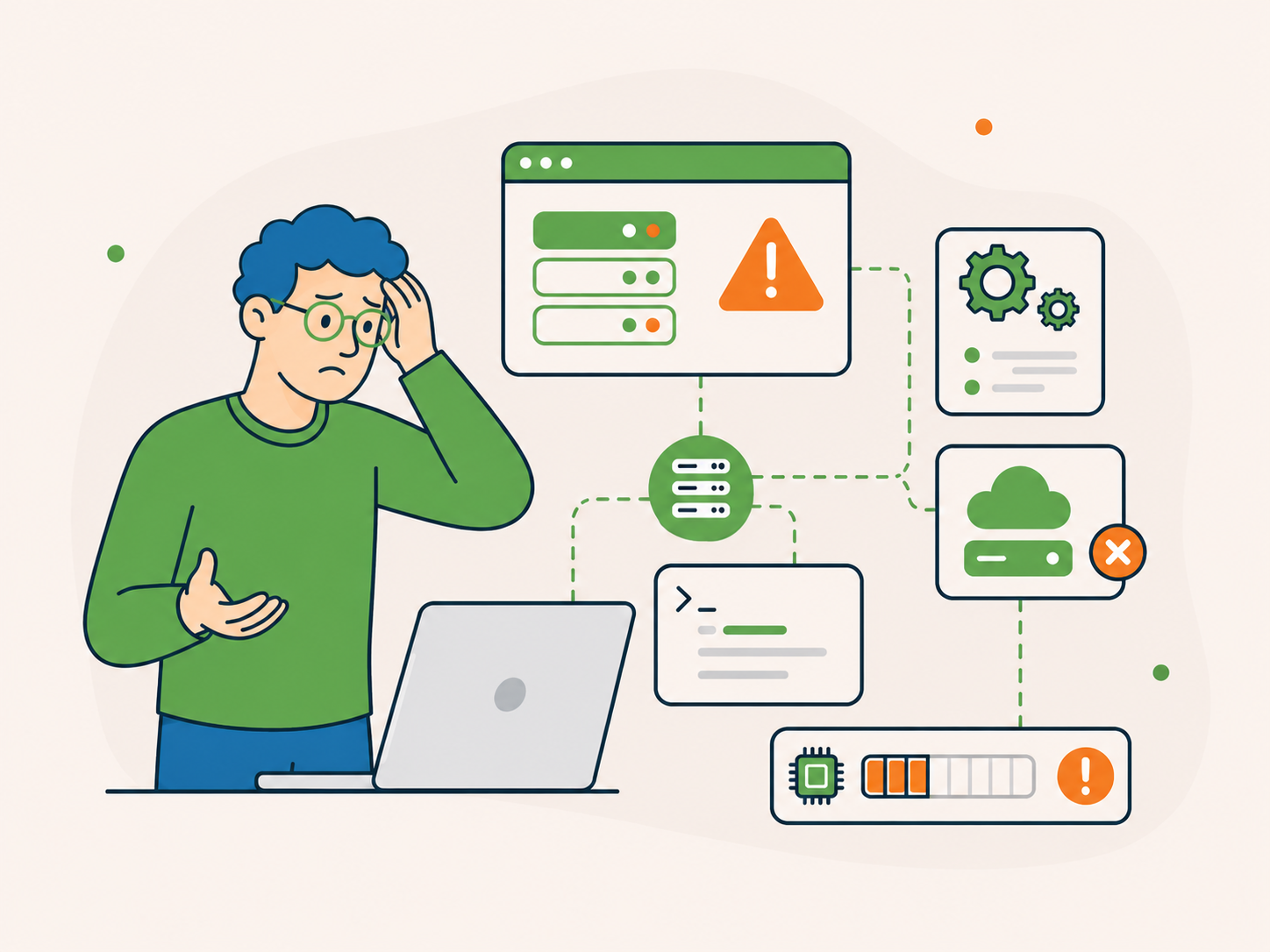
For problems that may involve your hosting setup, PHP version, memory limits, or server configuration.
For a defined fault, start a repair. If you suspect an infection, start Malware Removal. If you are unsure which service fits, ask first.
A broken WordPress site can be hard to diagnose from the outside. The same issue might be caused by a plugin conflict, failed update, malware, hosting problem, PHP error, or something else entirely.
You do not need to identify the technical cause. These three clues can help you describe the problem when ordering a repair or sending an enquiry.
Have one defined fault? You can also start a Website Repair.
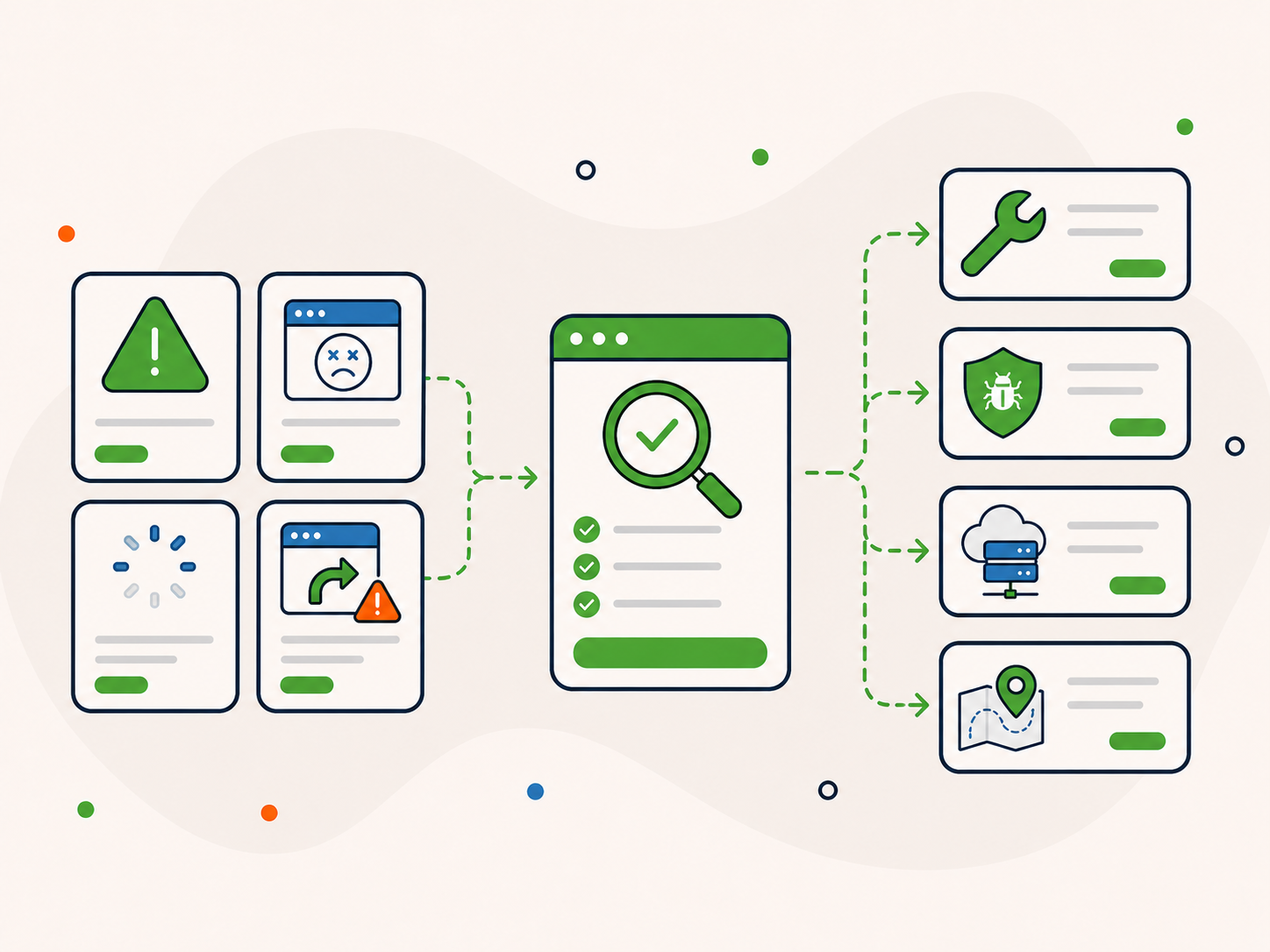
Is the whole website unavailable, or is the problem limited to a page, feature or admin area?
Did the issue start after an update, hosting move or other change? It is fine if you do not know.
Tell us if customers cannot buy, book, send enquiries or log in.
Whether you order a one-off service or ask first, these details help us understand the problem, check what is covered and identify when another route may be needed.
We consider whether the problem affects the whole website, the admin area or one important feature, and when it started.
Error messages, screenshots and affected pages help us understand the fault and where to begin.
A WordPress update, plugin change, theme change or new setting may point to a conflict that needs further investigation.
Warning screens, unexpected redirects and unknown activity may indicate that malware removal is a better fit than standard repair.
Server errors, PHP settings and hosting problems may mean the hosting environment needs further investigation.
We consider whether a recent backup may be available and what could be lost before suggesting a restore.
Suspect an infection? Start Malware Removal. If a problem needs different or additional work, we will explain the options before proceeding.
You do not need a technical report. A few clear details help us understand what has happened, whether you are ordering a repair or sending an enquiry.
If we need access, we will explain how to share it securely after reviewing your order or enquiry. Start by describing the problem.
Already on a care plan? Use your usual support route where possible.
Choose the service that fits your problem, or ask first if you are unsure. We review the details and explain if anything falls outside the agreed scope.
Start a Website Repair for one defined fault, choose Malware Removal for a clear infection, or send an urgent enquiry if you are unsure.
Share your website URL, the symptoms, relevant errors and recent changes. We review your order or enquiry during our available support coverage.
For a repair, we work within the agreed service scope. If additional work or a different service is needed, we explain your options before proceeding.
Website Repair covers one defined issue. We will explain if a different scope is needed.
Start with Website Repair for a defined fault, such as a critical error, failed update or broken feature. Choose Malware Removal if you have clear signs of infection.
If the cause is unclear or the problem may involve your hosting provider, ask first so we can help you choose the right route.

Best for broken pages, critical errors, failed updates, plugin conflicts, and features that have stopped working.
Start a Website Repair →
Best for hacked sites, malware warnings, suspicious redirects, spam, popups, or unknown activity.
Start Malware Removal →
Best if your current hosting is unreliable and you want to explore a more dependable long-term setup. If your site is down and the cause is unclear, start with an urgent enquiry instead.
View WordPress Hosting →
For understanding what support usually covers, when separate work may need a quote, and how the scope is agreed.
View Scope of Service →If none of these routes fits clearly, tell us what is happening and we will help you choose before you order.
When your website is causing problems, clear communication matters as much as the technical work.
We explain what we know, what still needs checking and what your options are.
We explain the next step without expecting you to understand the technical details first.
We separate what is known from what still needs checking rather than treating a guess as a diagnosis.
We explain what happens next and flag when further investigation or a different service may be needed.
You can order a repair for one defined problem without signing up for ongoing support.
If the issue falls outside the repair scope, we will explain your options before additional work begins.

Edward Orr describes how Newt Labs took over a legacy WordPress site and resolved problems that had left it struggling.
“The team at newt labs have been nothing but incredible when a site I was working with was largely abandoned by its ongoing host and admin. Newt took over a long standing legacy wordpress site, mirgrated it into their hosting with incomplete details, then updated, maintained, and solved a bunch of issues from bots capacity and compatibility that were crippling the site. Fantastic service, great team, do not nesitate to contact Newt if you're in a bind.”
 Edward Orr, GameSpace
After the immediate problem has been addressed, it may be worth reviewing the wider setup behind it.
Depending on the plan, ongoing care can provide maintenance, security checks, monitoring and support that help reduce avoidable problems.
You do not need a care plan to order a one-off repair. Deal with the immediate problem first, then consider ongoing care later.

Keep WordPress, plugins, and themes updated with regular checks after updates.
Reduce the risk of malware, vulnerabilities, and suspicious activity going unnoticed.
Identify and address problems that affect loading speed and usability.
Explore managed hosting with backups and support, with staging where needed.
If your website needs attention but nothing business-critical is affected, explore WordPress Support. If you want a broader initial look at your website before choosing a service, a free audit may be more suitable.
Best if you need help with your website, but the issue is not causing urgent disruption.
Go to WordPress Support →Best if you want a broad initial review of the publicly accessible parts of your website before deciding what needs attention.
Get a Free WordPress Audit →If something is actively broken, blocking customers, or affecting sales or enquiries, use the urgent support route instead.
A few common questions before you ask for urgent WordPress help.

Yes. You can start a one-off Website Repair for a defined fault, choose Malware Removal for an infection, or send an urgent enquiry if you are unsure which service fits.
No. Repair orders and urgent enquiries are reviewed during our available support coverage. Neither guarantees an immediate response.
If your site is down and you do not know why, send an urgent enquiry with its URL and any error you see. We can help assess whether Website Repair, hosting support or another route is appropriate.
Website Repair is a suitable starting point for many critical errors, including those that prevent the site or admin area from loading. If you suspect a wider hosting or security problem, send an urgent enquiry first.
If repeated attempts are making the problem worse, stop making changes and note what happened. Website Repair is the direct route for a defined update-related fault. Send an urgent enquiry if you are unsure what caused the problem.
If you have clear signs of a hack or infection, go straight to WordPress Malware Removal. If the behaviour is suspicious but you are not sure whether malware is involved, send an urgent enquiry.
Check what a restore might overwrite before you act. Restoring an older backup can remove newer orders, enquiries or website changes. If you are unsure, tell us whether a recent backup is available rather than restoring it at random.
No. You can order a one-off Website Repair or Malware Removal without a care plan. You can consider ongoing care later if it makes sense.
Yes. You do not need to move hosting to request a one-off Website Repair. If the problem involves your hosting provider's infrastructure, they may also need to be involved.
Suspect an infection? Start Malware Removal.
If your website has a defined fault, start a one-off Website Repair. If you have clear signs of infection, choose Malware Removal. Not sure what is wrong? Send an urgent enquiry.
You can start without diagnosing the technical cause. We will explain if the issue needs additional work or a different service.
Choose Website Repair for one defined issue, such as a critical error, failed update or broken checkout.
Tell us what stopped working, when it happened and what is affected.
If additional work or a different service is needed, we explain your options before proceeding.
Send an urgent enquiry when you cannot tell whether repair, malware removal or hosting support fits.
Start a one-off Website Repair for a defined problem, or ask first if you are unsure which service to choose.