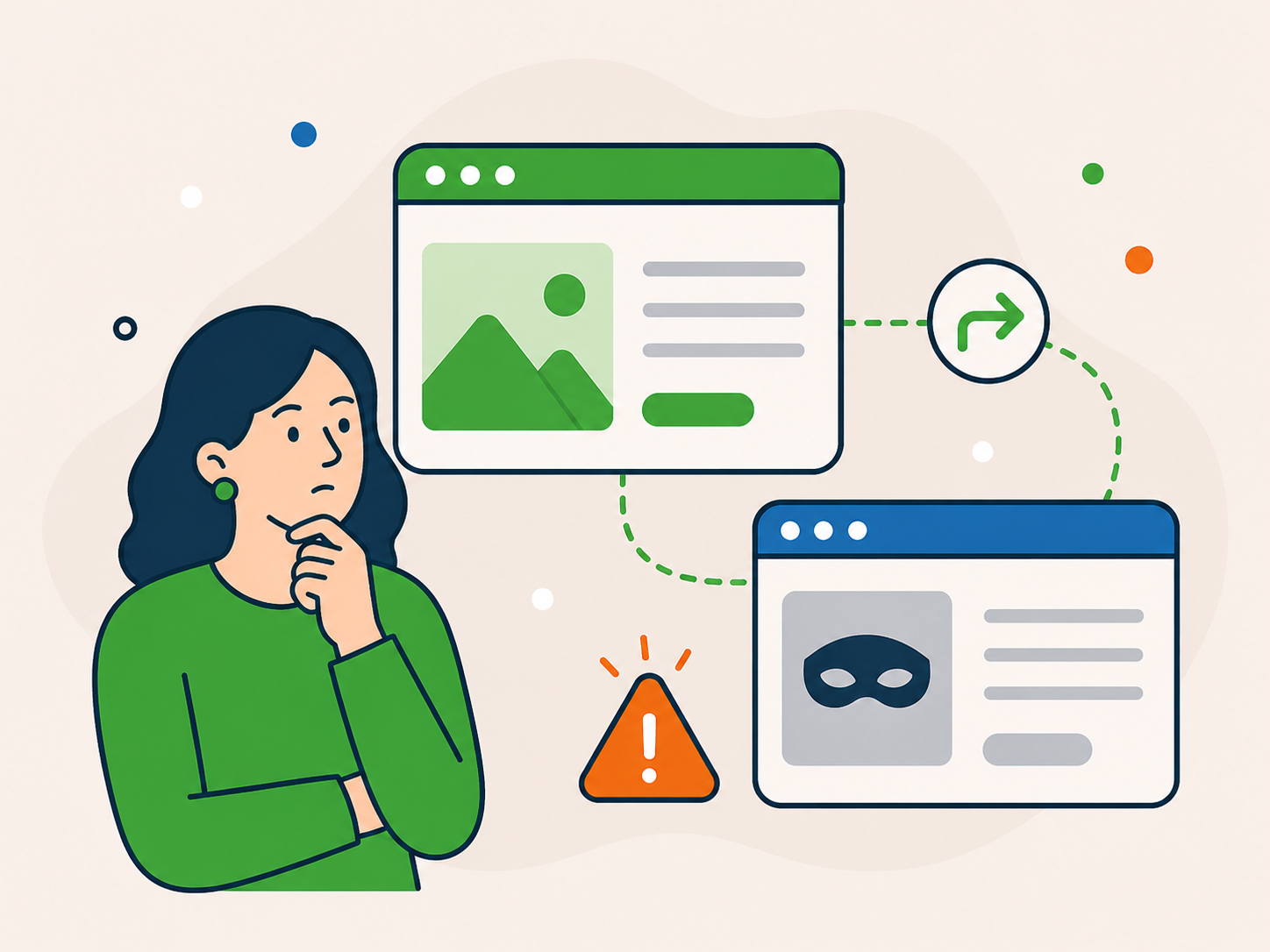
Strange redirects or unexpected pages
Visitors are sent elsewhere or pages appear that you did not create.
If your WordPress website has been hacked or shows signs of infection, get help with the immediate problem.
Newt Labs provides one-off malware removal for compromised WordPress websites. If you are unsure whether malware is the cause, ask before booking.
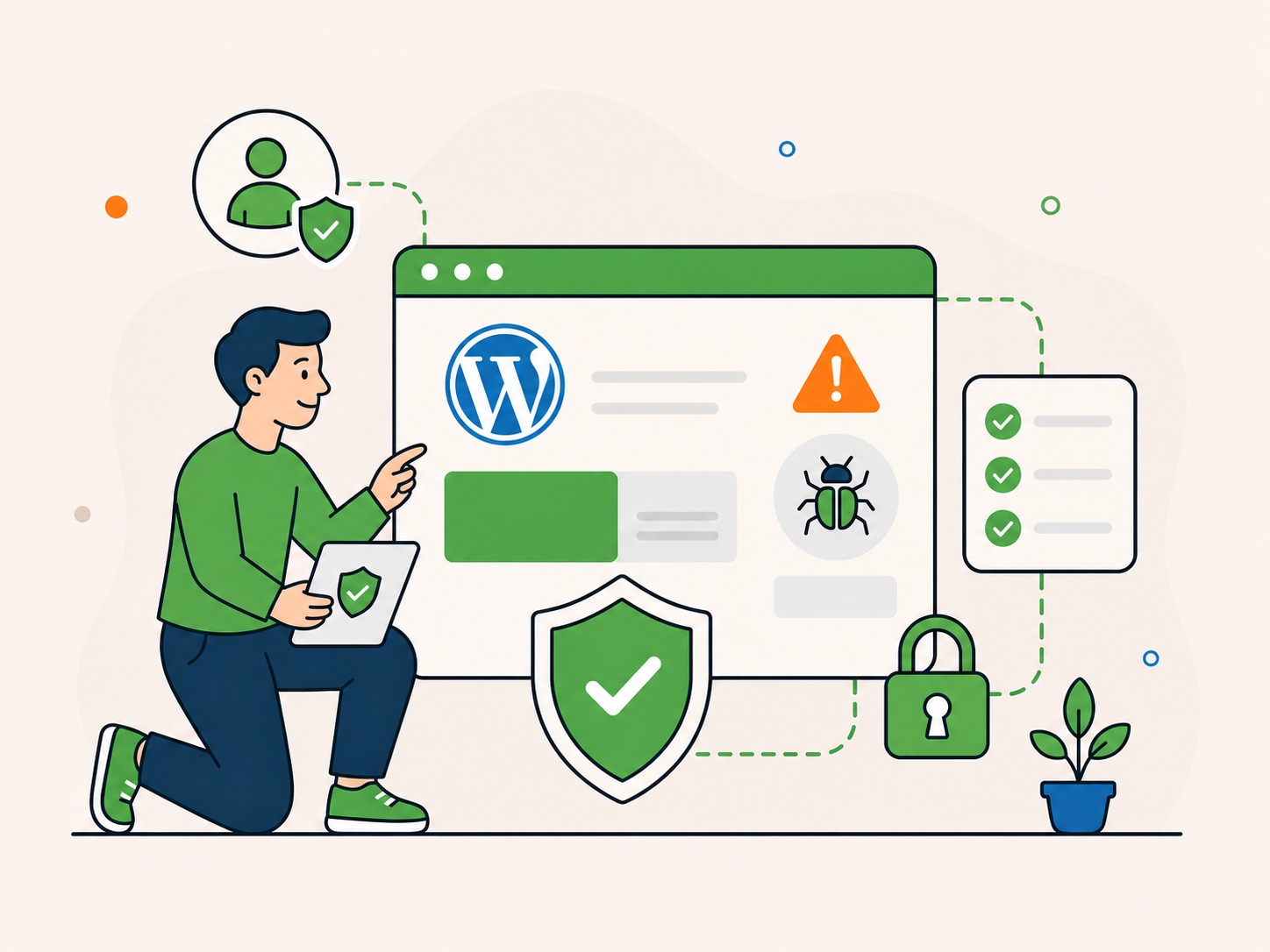
A direct route when warnings or suspicious changes point to a compromise.
Understand what we find and what happens next.
Address malware and problems linked to it.
Review security and care after the immediate issue.
Something does not have to be obviously broken for malware to be present. If you are seeing any of the signs below, it is worth acting quickly.
Visitors are sent elsewhere or pages appear that you did not create.
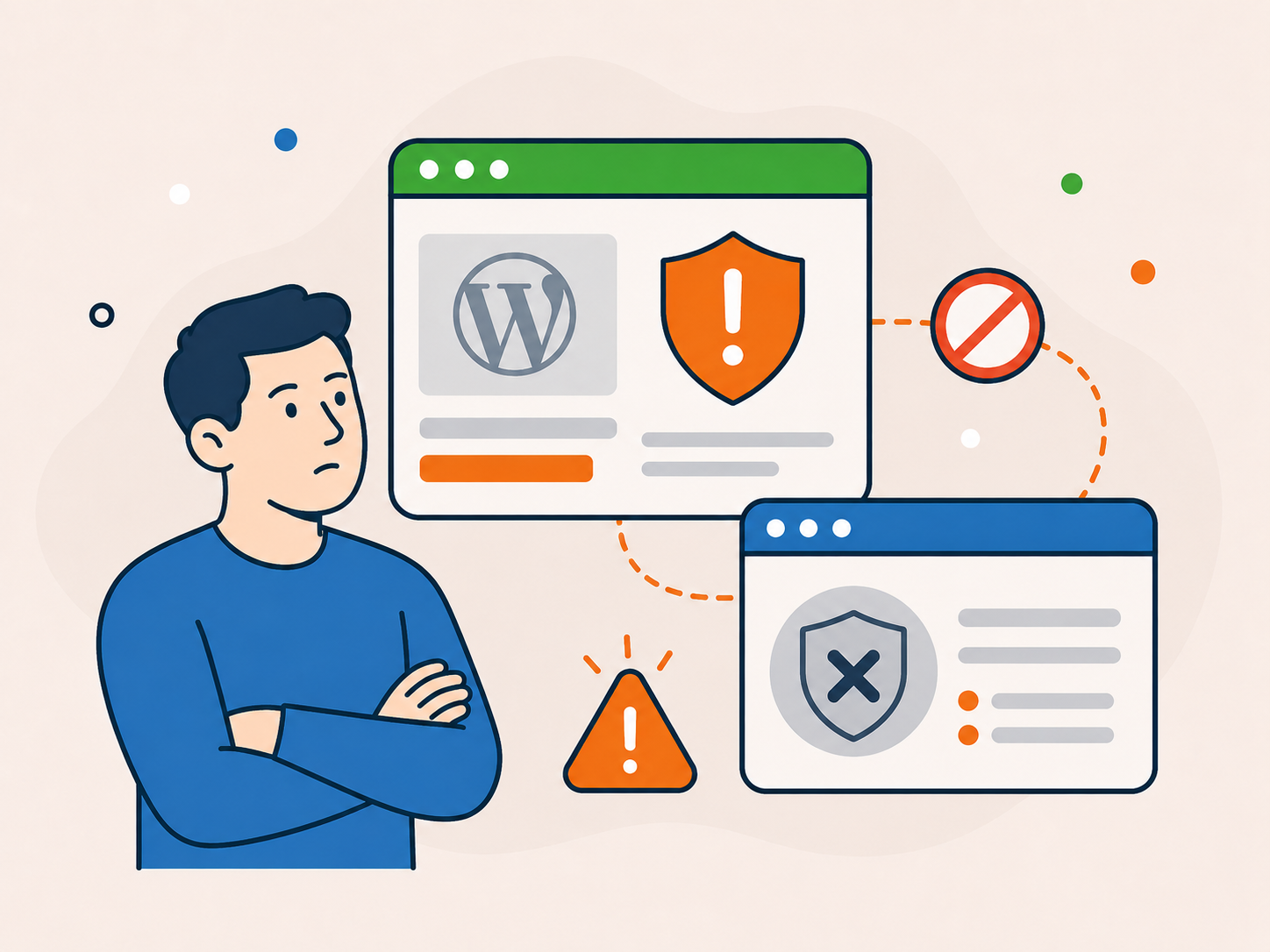
Browsers, hosts, or tools flag your site as unsafe.
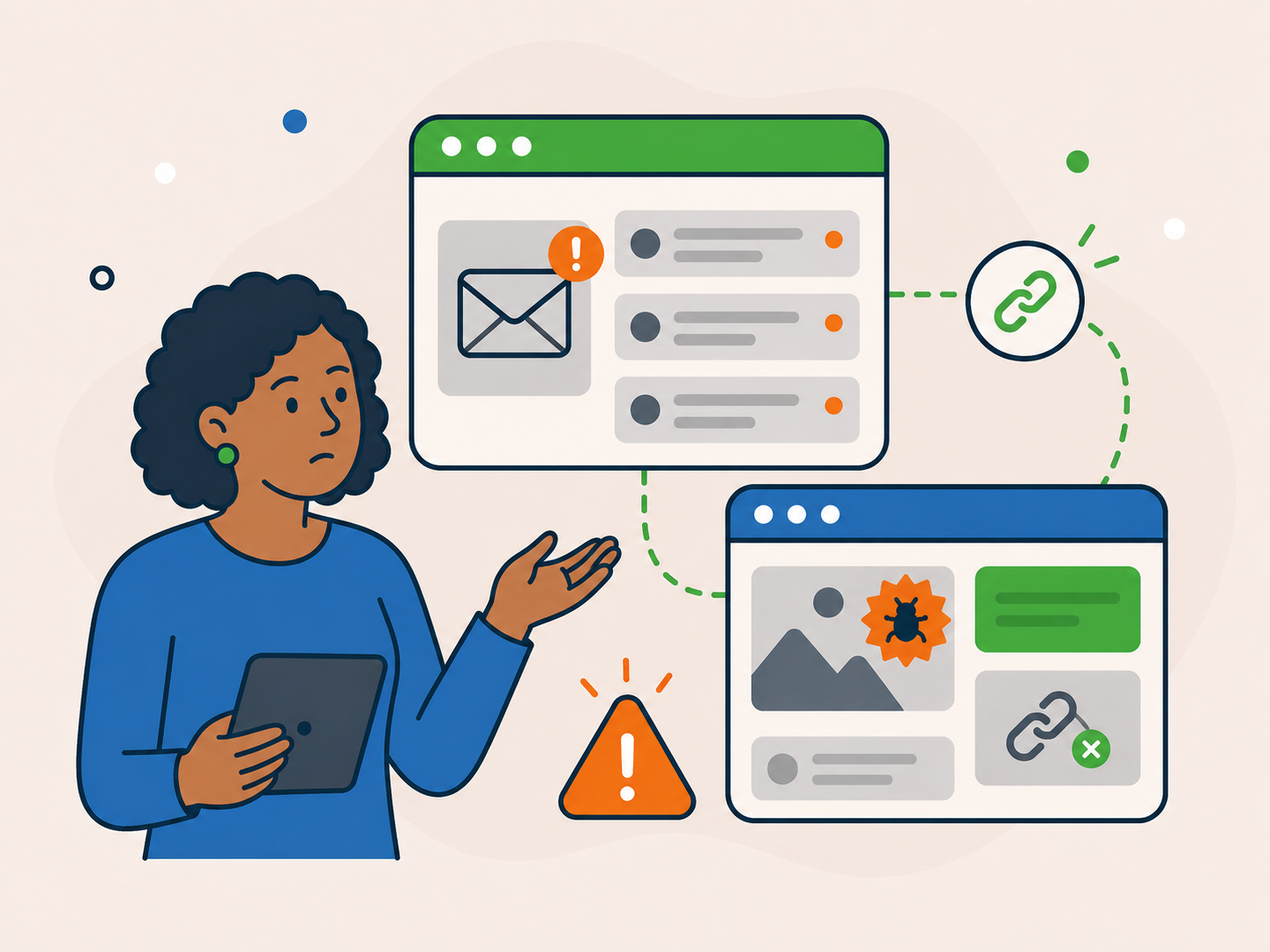
Unwanted links, adverts, or strange content appear.
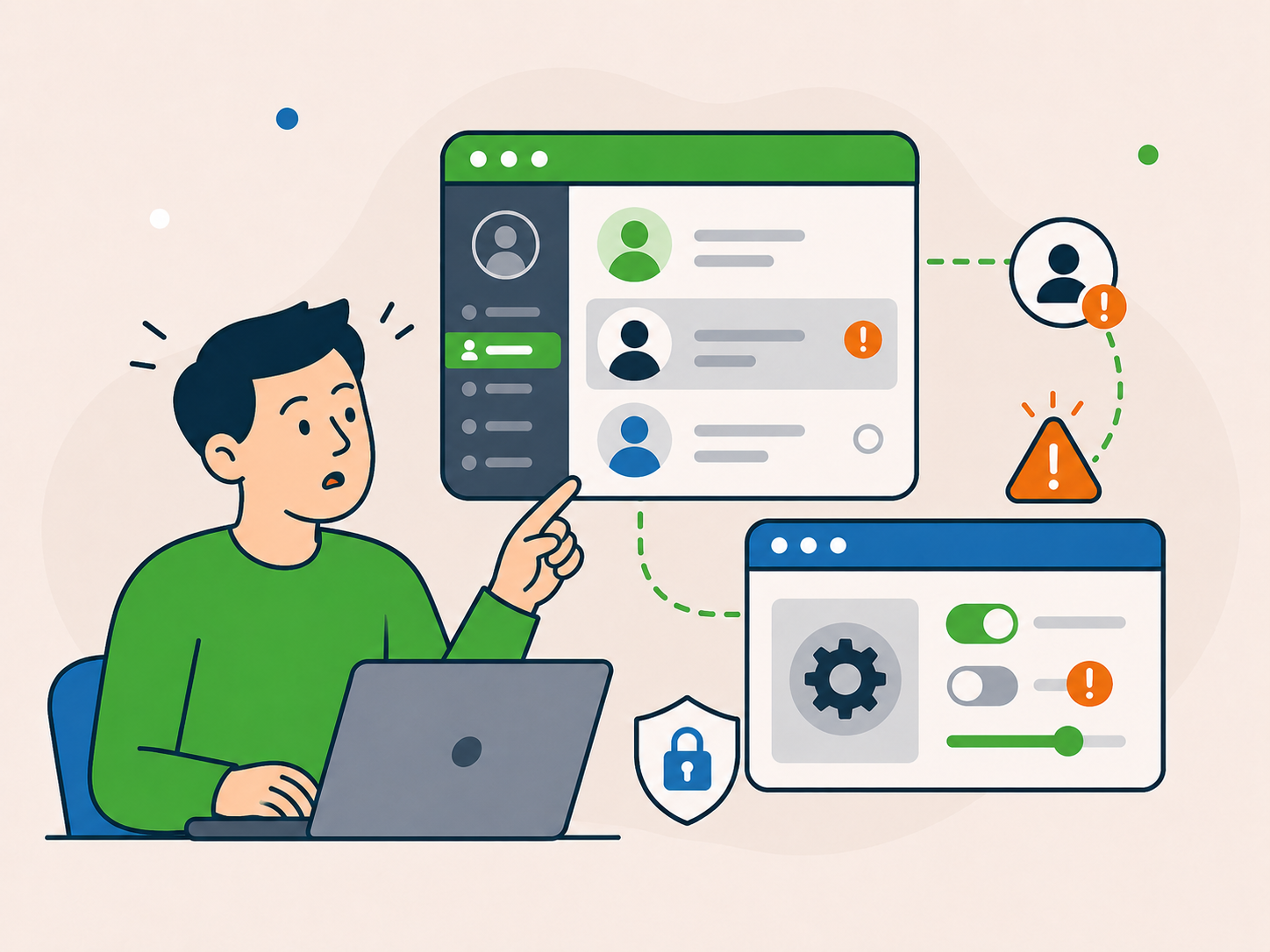
Accounts or settings change without your input.
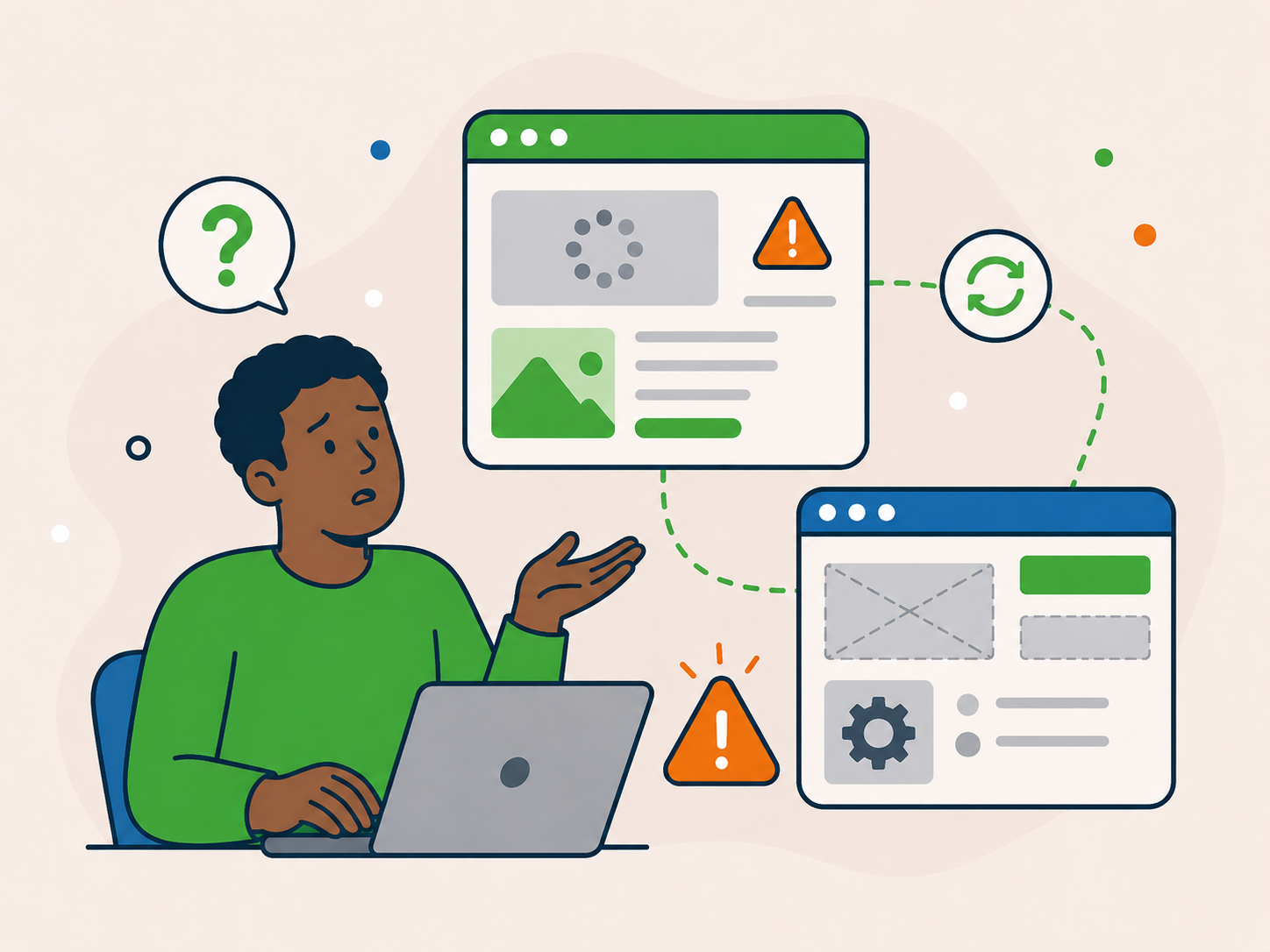
The site becomes unstable or behaves unpredictably.
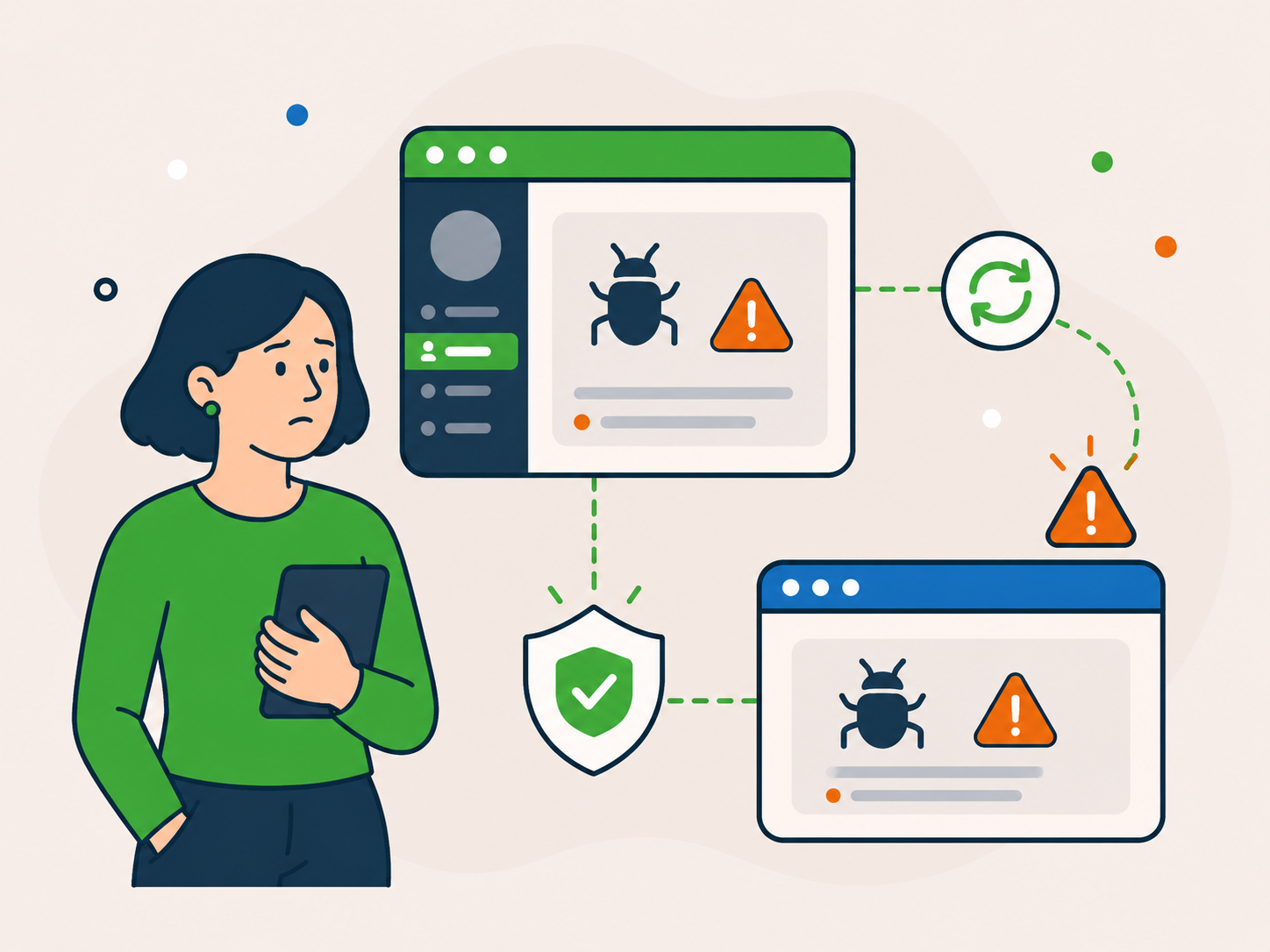
If the same problem returns after cleanup, the site may have been compromised again or an issue may remain unresolved.
If this looks familiar, you are in the right place.
The aim is to deal with the infection, address affected areas and explain what needs attention next.
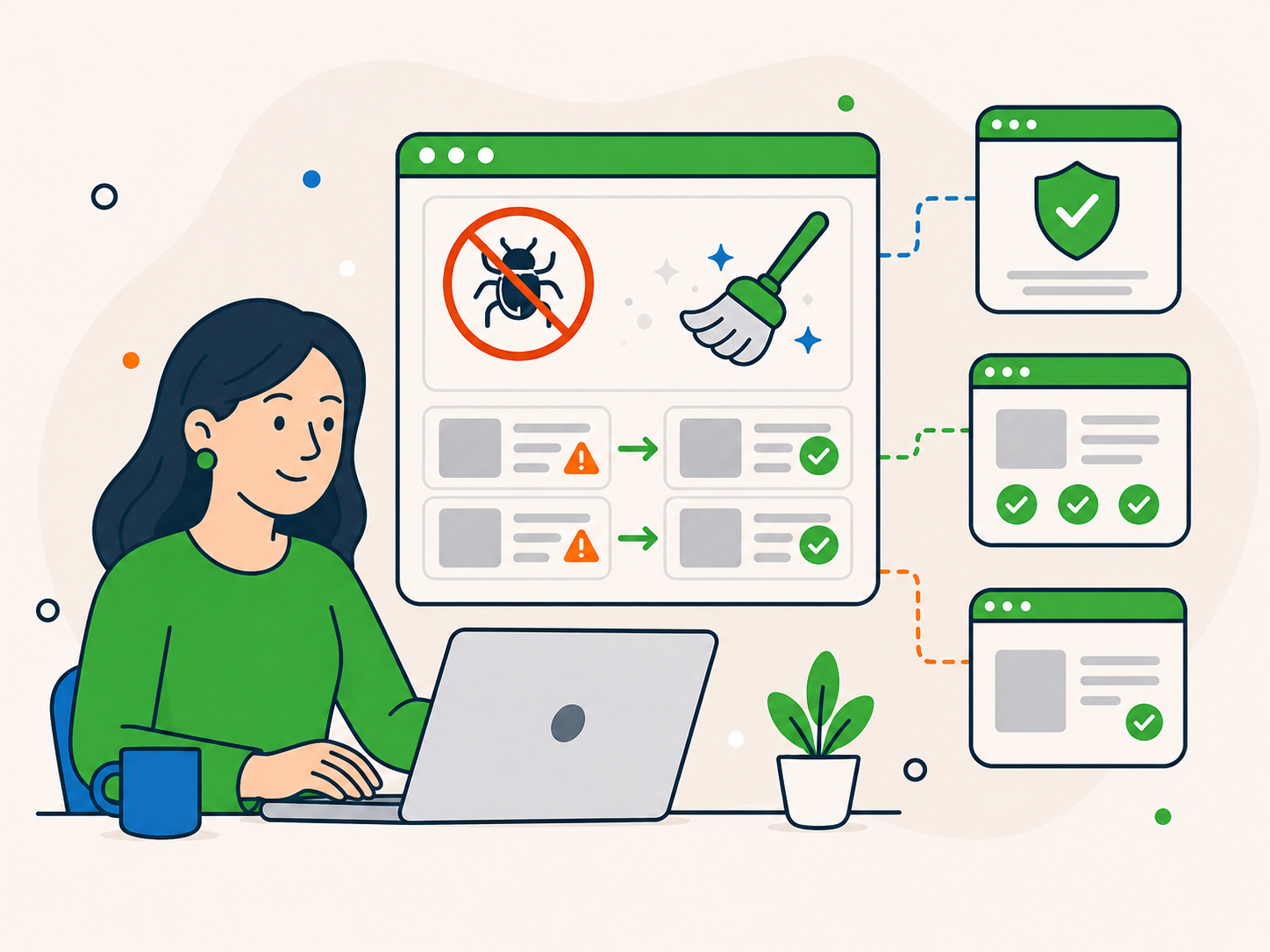
Remove identified malware and deal with affected parts of the website.
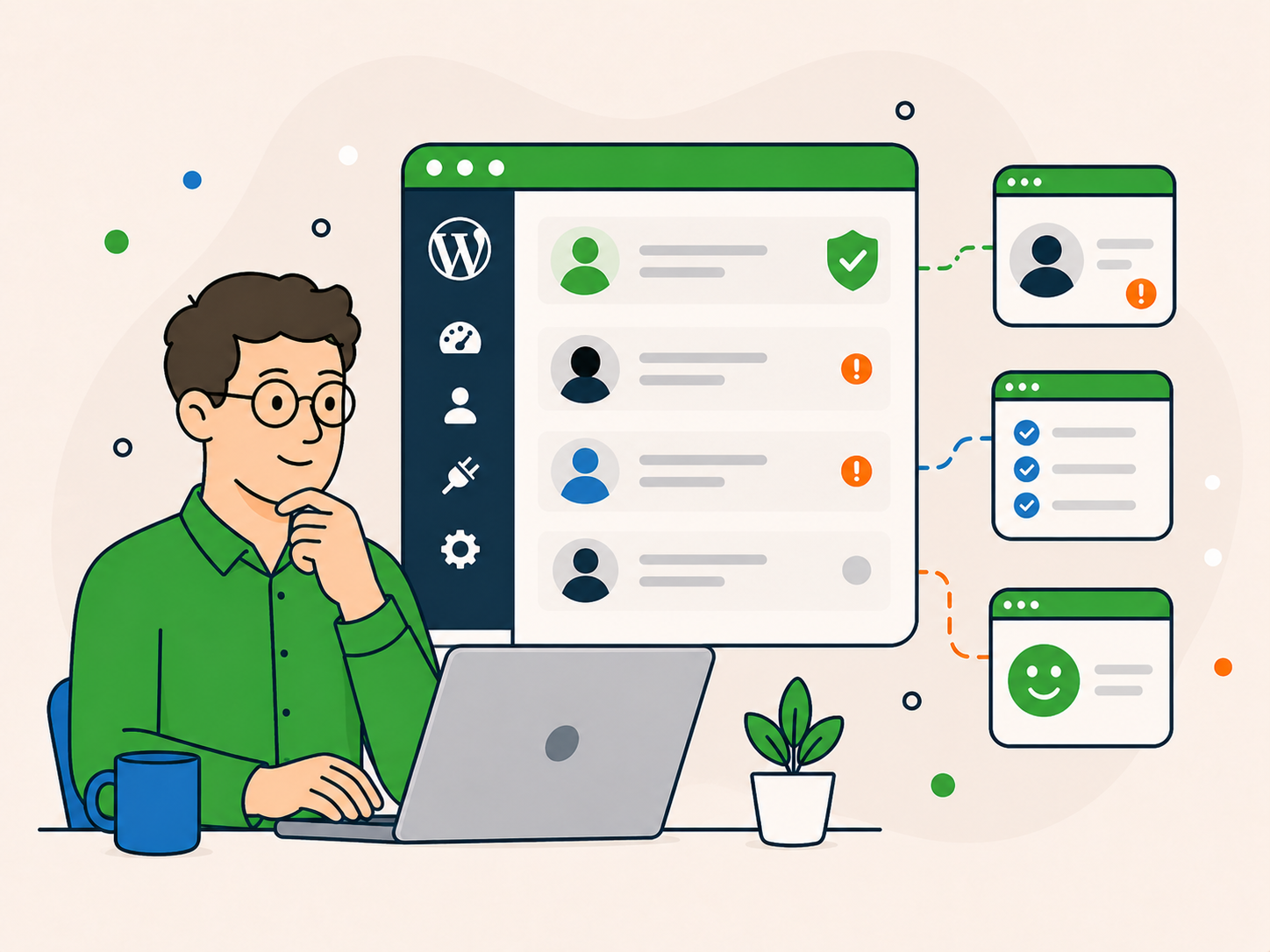
Get a clear explanation of the issues identified.
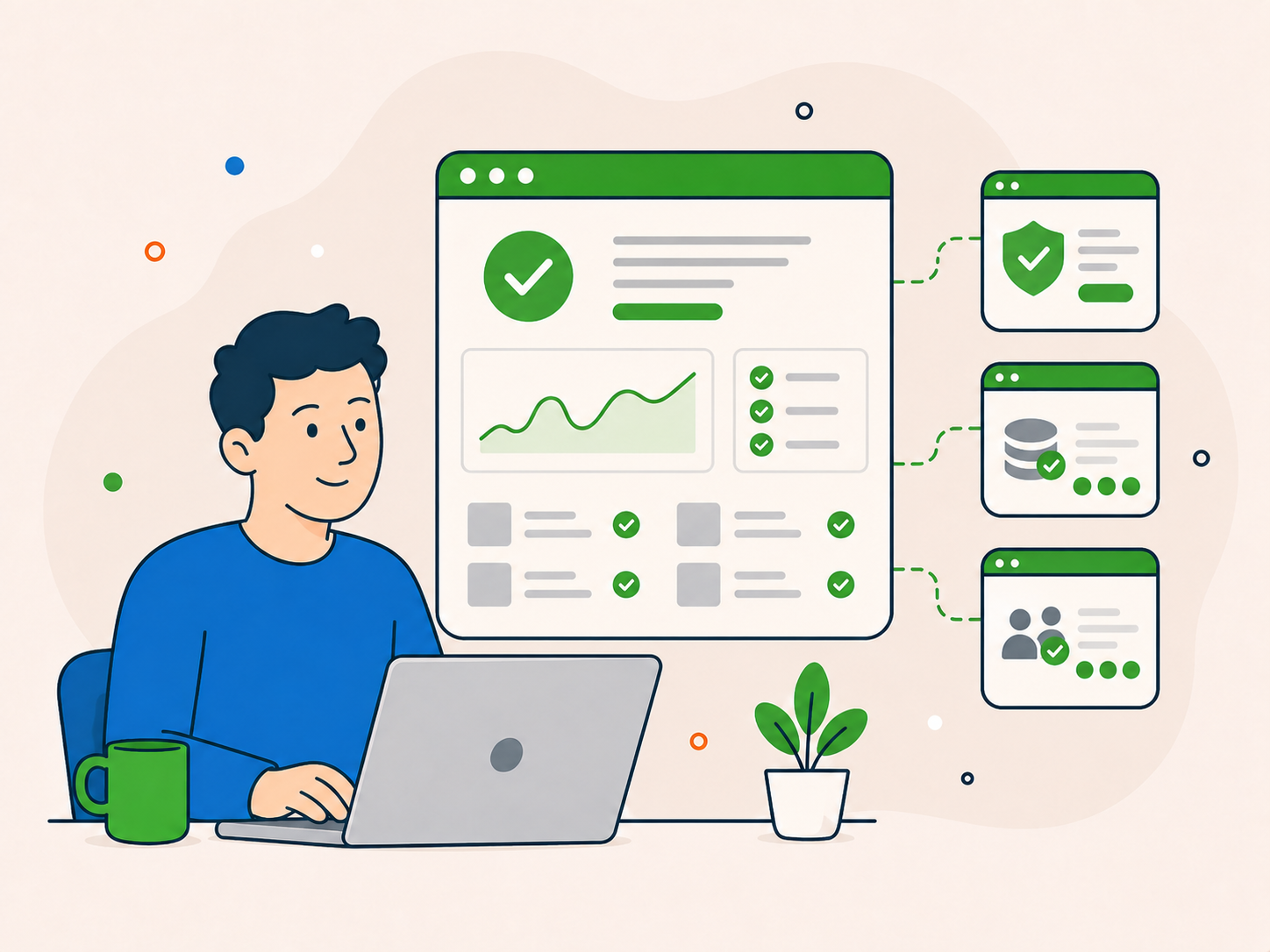
Work towards restoring normal website behaviour.
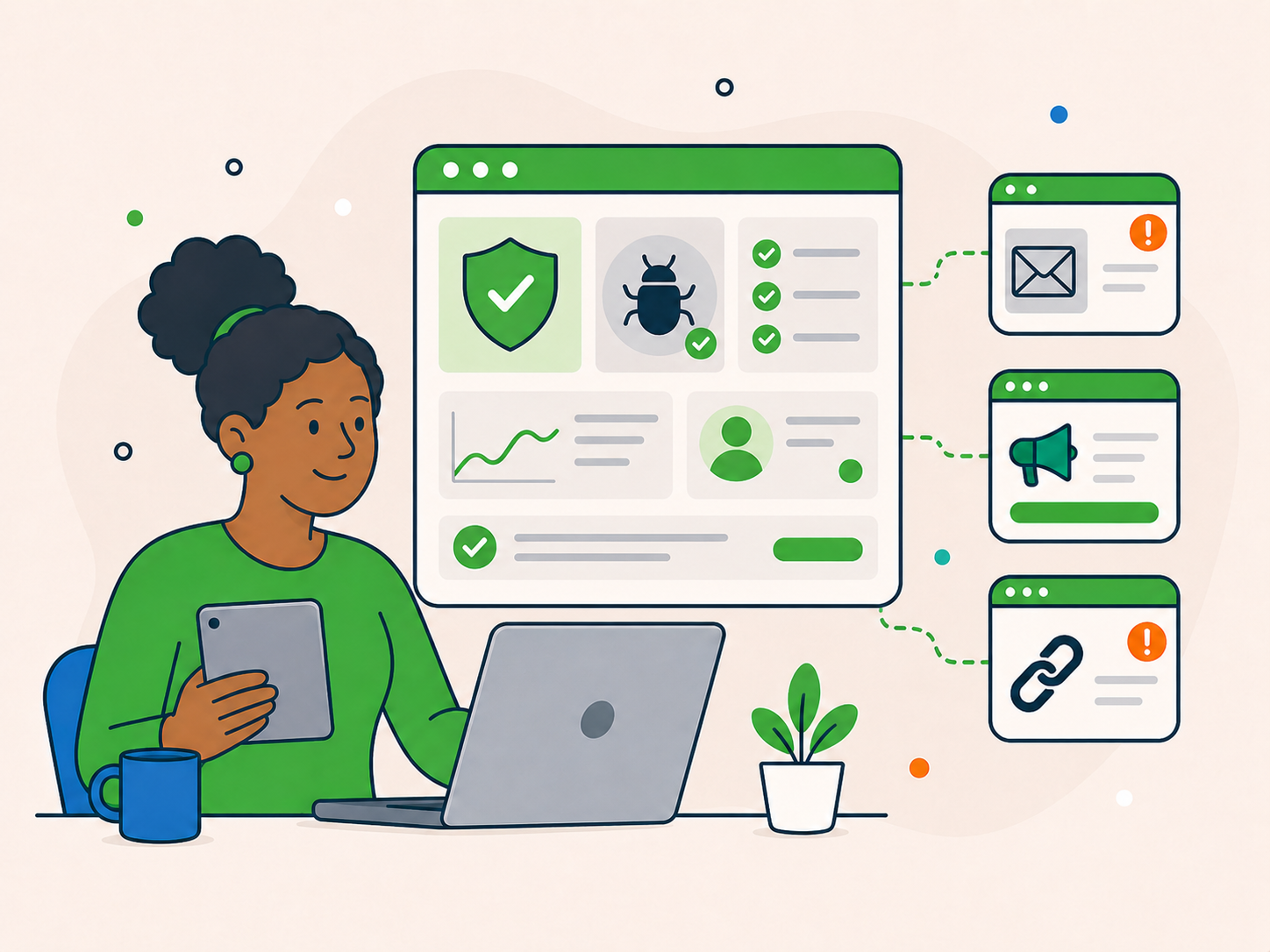
Understand which further checks or security improvements may be needed.
You do not need a full diagnosis before taking action.
If your website shows signs of compromise, choose the one-off service below. If you are unsure whether malware is involved, ask before ordering.
Suitable when your site shows malware warnings, unexpected redirects, spam content, unfamiliar users or other signs of compromise.
One-off malware removal, ex VAT
If you are unsure whether malware is involved, describe the symptoms before ordering. We can help you choose the appropriate route.
When your website may be compromised, it helps to know what support will look like.
Know what is being worked on without having to decipher technical jargon.
Get help with the suspected compromise rather than a general website overhaul.
Know which issues need attention after the immediate cleanup.
Review security and maintenance options if you want continued help.
“Steven and his team have done a great job with recovering our site from a hack and providing ongoing WordPress security and support. I feel totally confident about our site's integrity in future now. Recommended.”
Rob Chant
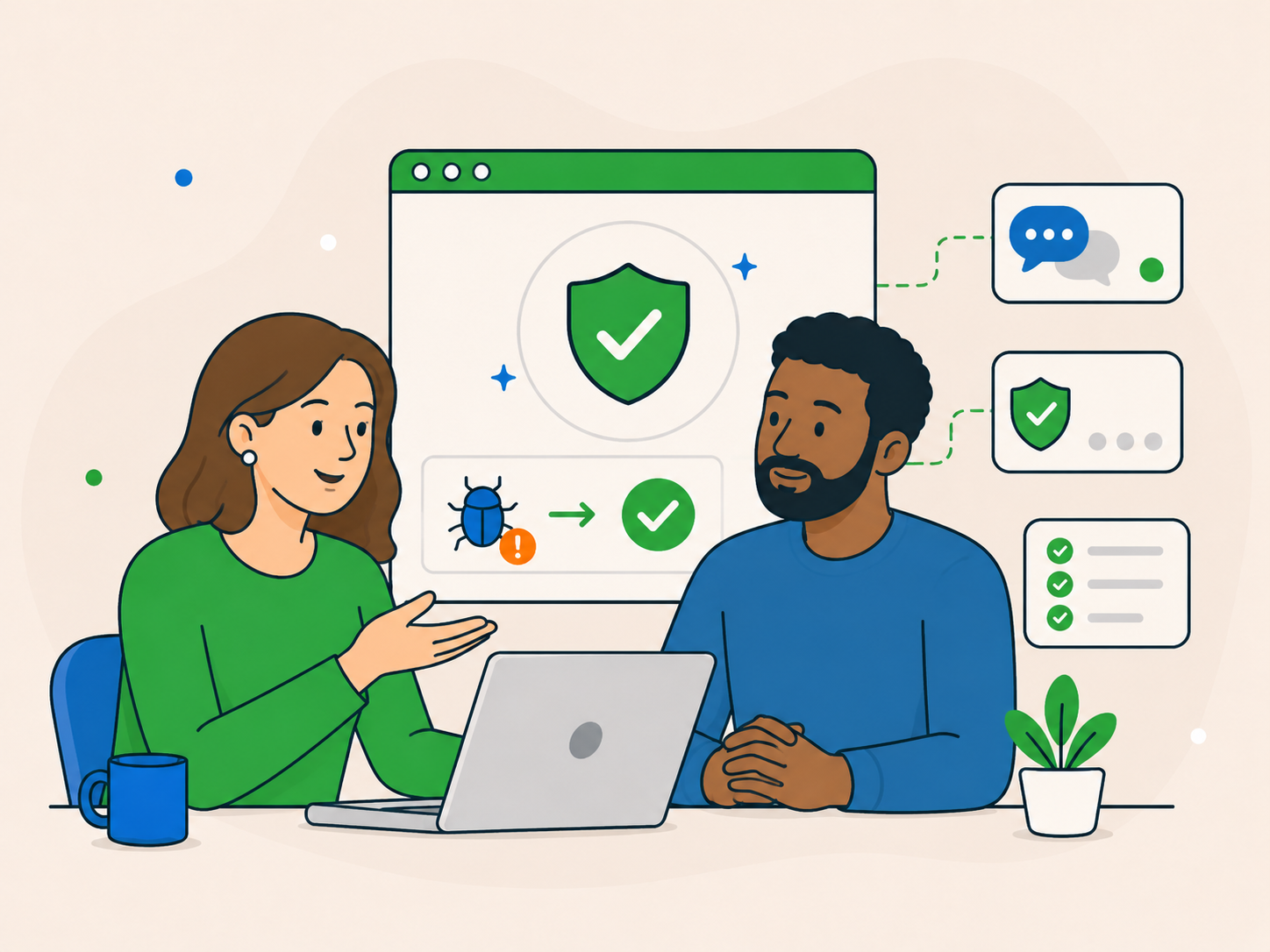
You can take the next step without overthinking it.
Book the one-off service, or tell us what is happening if the cause is unclear.
We assess the reported issue and work on removing the malware.
We explain what was found and which further steps may be needed.
If anything needs adjusting, we will guide you.
Malware removal focuses on dealing with an existing infection. It is not the same as ongoing security and maintenance.
Once the infection is dealt with, it is worth reviewing how the site is protected.
Once the immediate issue has been dealt with, review the steps that can reduce the risk of another compromise.
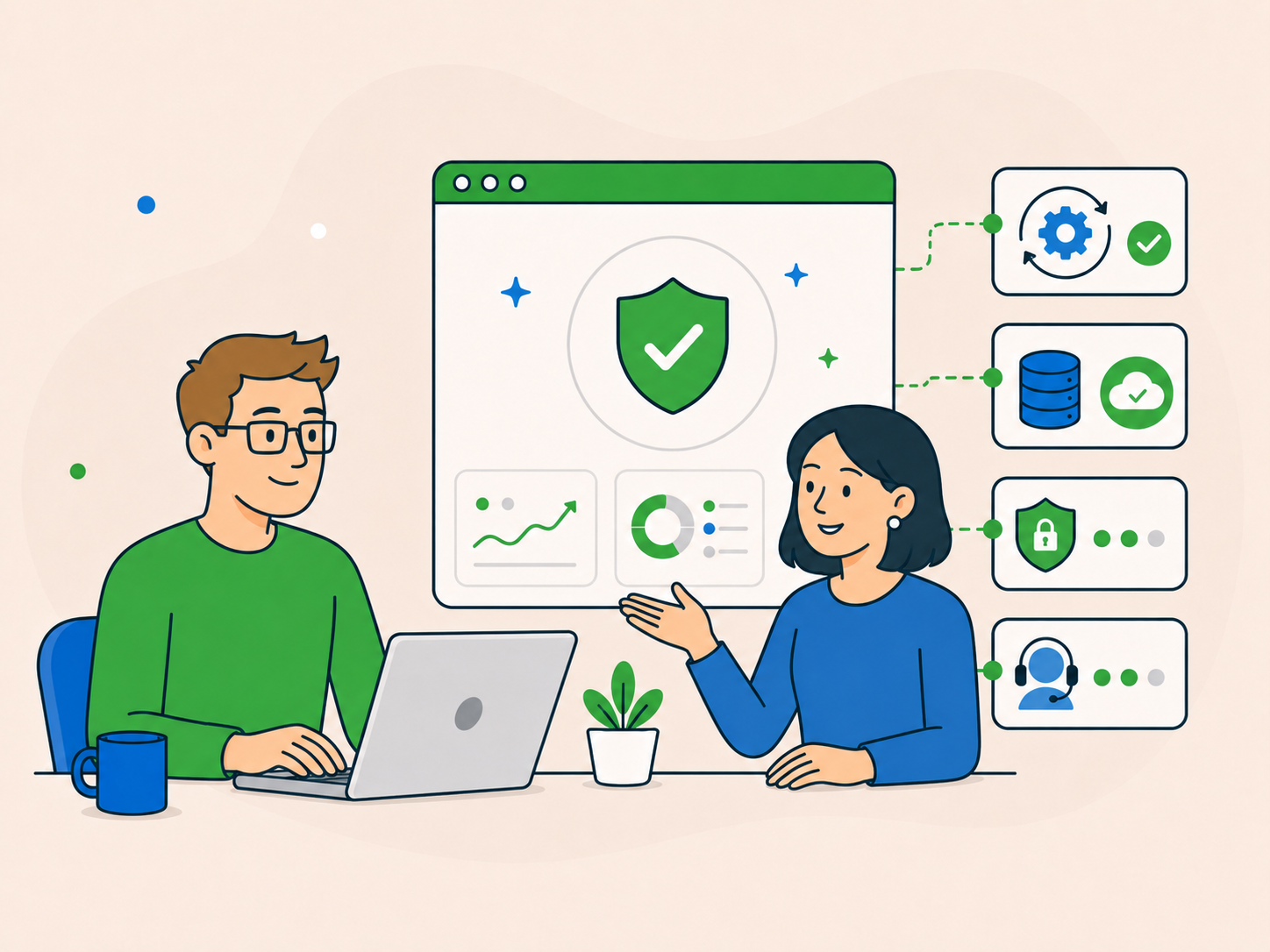
Review WordPress, plugin and theme updates, and replace unsupported software.
Make sure you have usable backups and know how to restore them.
Check user accounts, permissions and security settings for anything that no longer belongs.
Compare care plans if you would rather have help with regular upkeep.
These measures can reduce risk, but no setup can prevent every attack.
You do not need to get it exactly right.

Explore the wider range of WordPress support options.
See WordPress Support →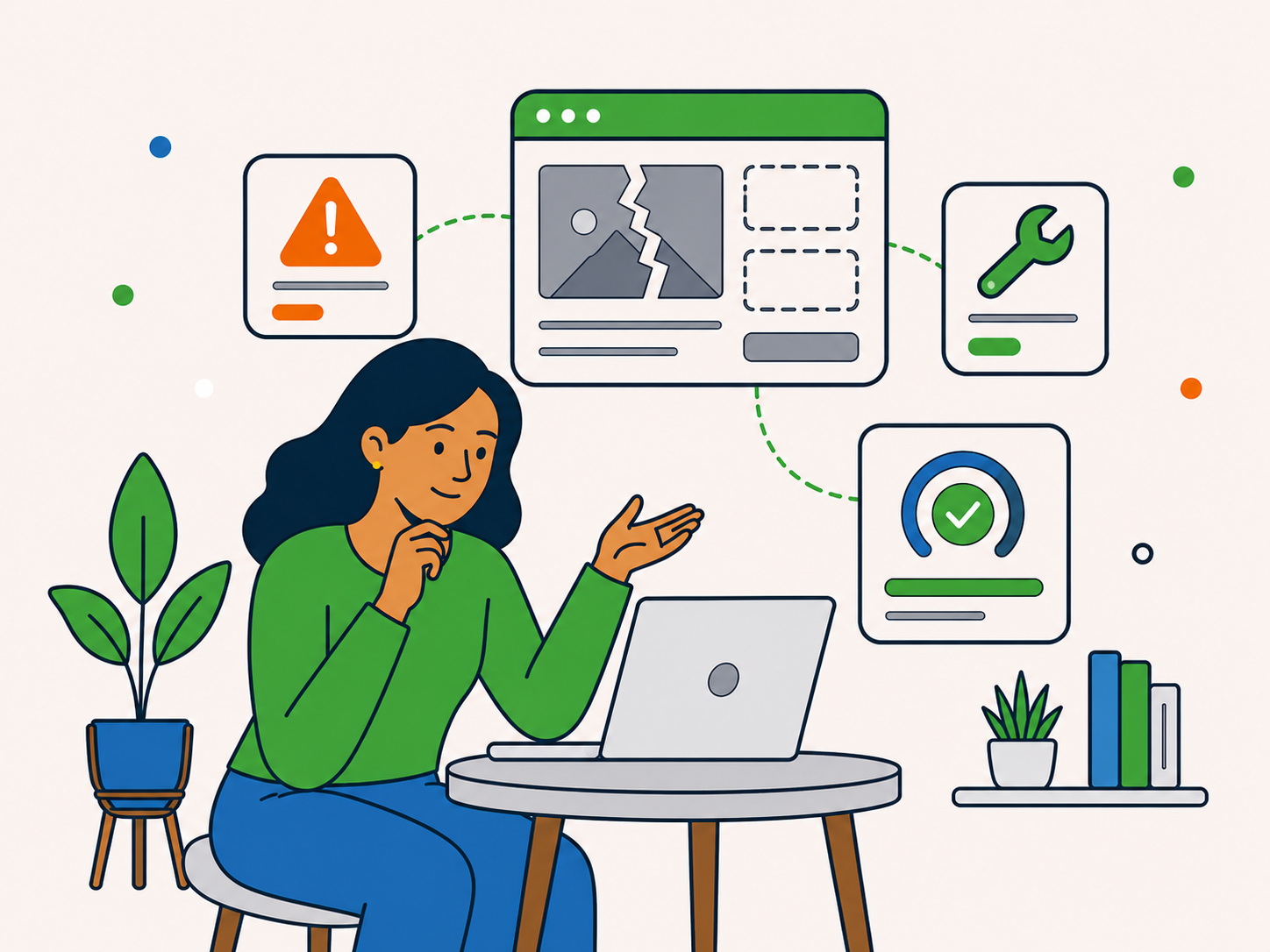
Get help with broken pages or errors when there are no signs of compromise.
See Website Repair →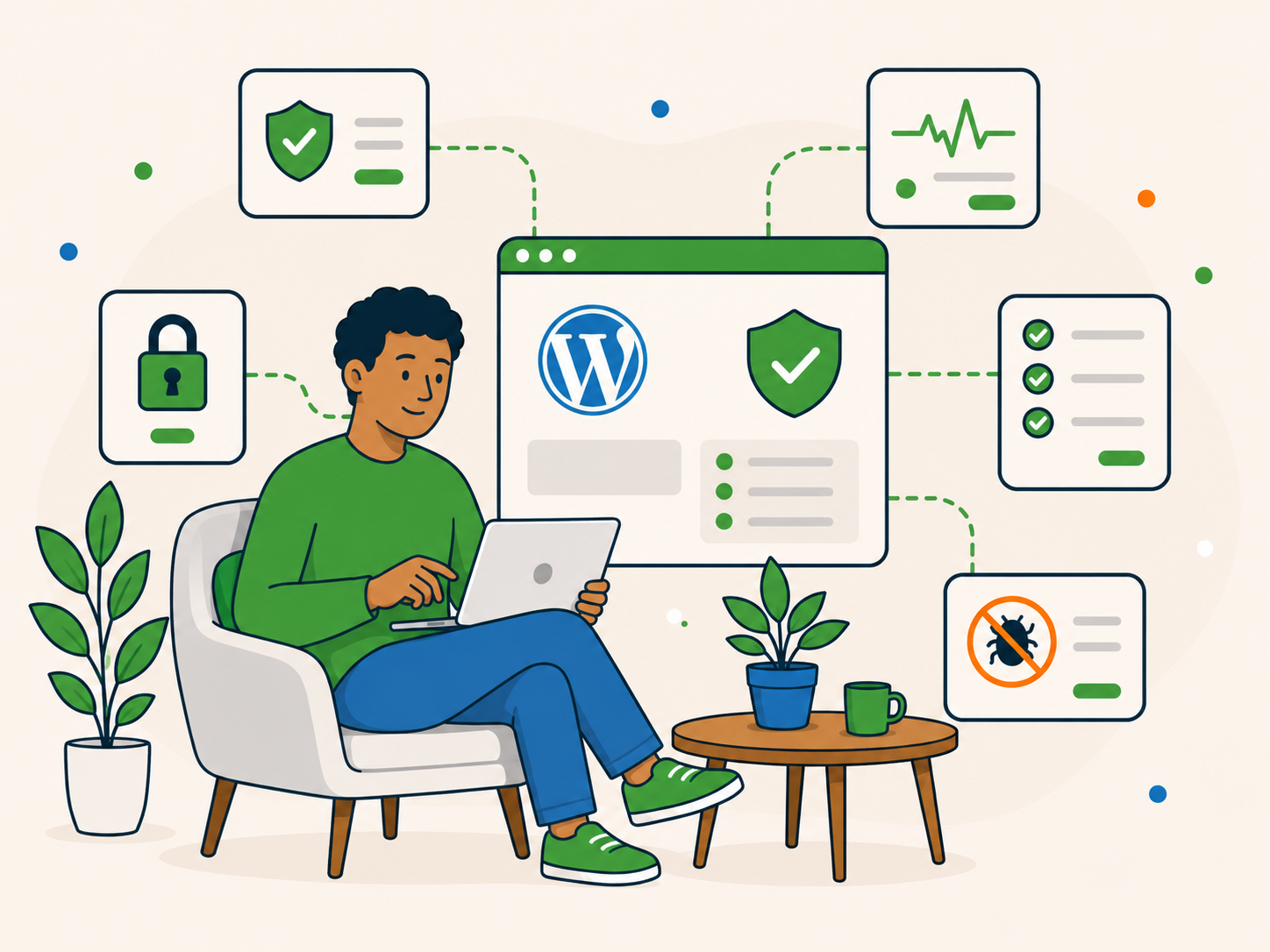
Explore ongoing protection and ways to reduce future risks.
See WordPress Security →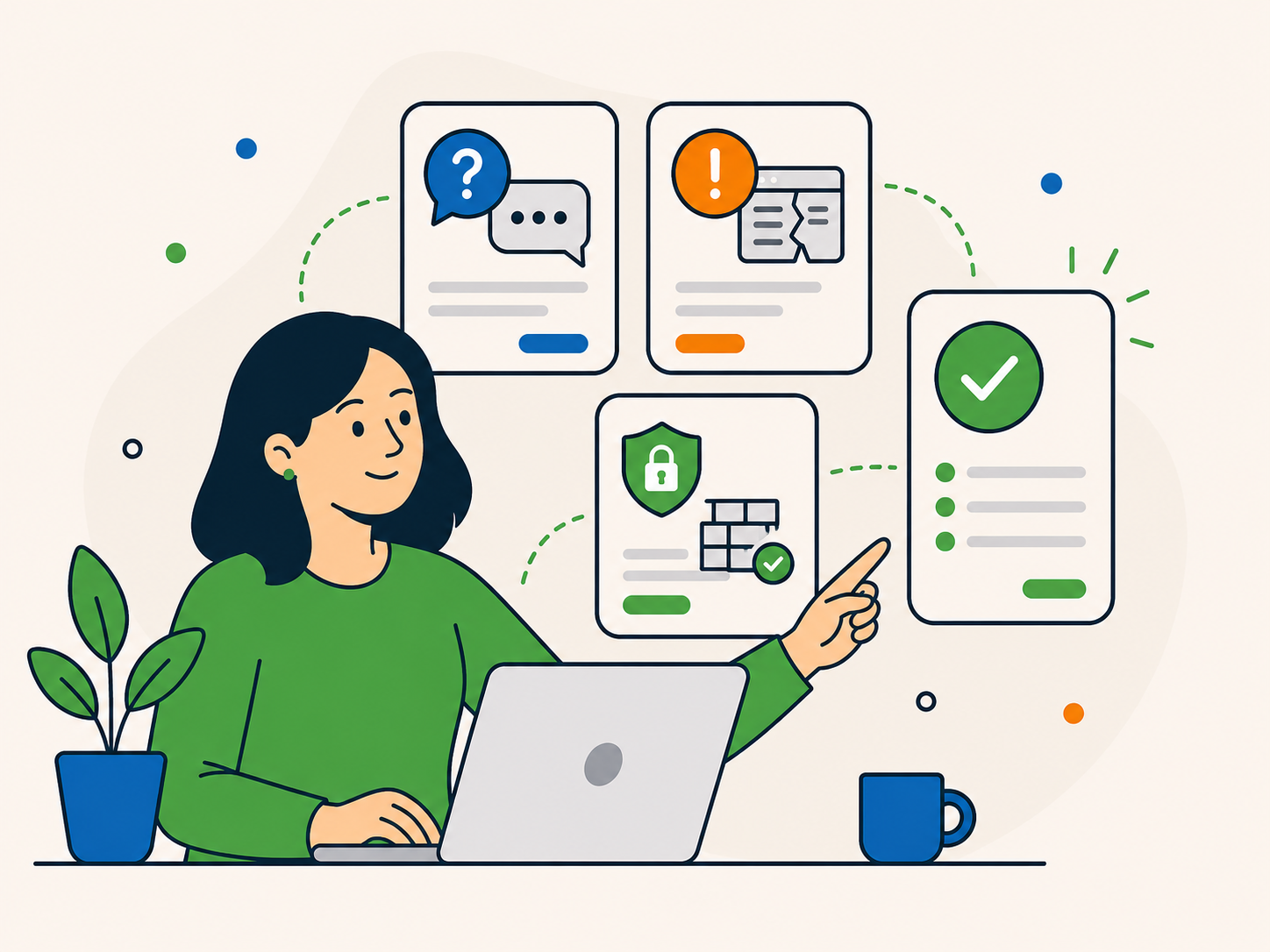
Browse other one-off fixes if malware removal is not the right fit.
See One-Off Services →We will help you get to the right solution.
You can still take action if you do not know the cause or cannot access your WordPress dashboard.
You do not need to have everything worked out before getting help.
Unexpected redirects, spam, unfamiliar users and security warnings can indicate a compromise, but they can have other causes too. If you are unsure, ask us before booking.
Keep a note of the exact warning and tell us when you book or enquire. A warning is a reason to investigate, but it does not confirm malware on its own.
Tell us in your order or enquiry. We can explain what information or access is needed to look into the problem.
If your site has broken pages or errors without signs of compromise, Website Repair may be the better fit. If you suspect malware, start with malware removal. If you cannot tell, ask before booking.
No. Malware removal cannot guarantee that a website will never be infected again. However, if malware returns on the same website within 30 days of us completing the cleanup, let us know and we will clean it again at no extra charge. After that period, updates, backups, access checks and ongoing security can help reduce the risk of another compromise.
No. Malware removal is available as a one-off service. If you want ongoing help, you can explore WordPress Security or Care Plans after the immediate issue is addressed.
If you are seeing signs of a hack or malware, choose the one-off removal service. If the cause is unclear, ask before booking.