
WordPress admin access
For logging into your WordPress dashboard to review, fix, update, or manage your website.
Send website, WordPress, hosting, domain, or related access details here after Newt Labs has asked for them.
Please do not send passwords by normal email. Use this secure form instead. Passwords and secure credentials submitted through the protected credential field are encrypted in the database and excluded from email notifications.
If anything is missing or does not work, we will follow up with you.
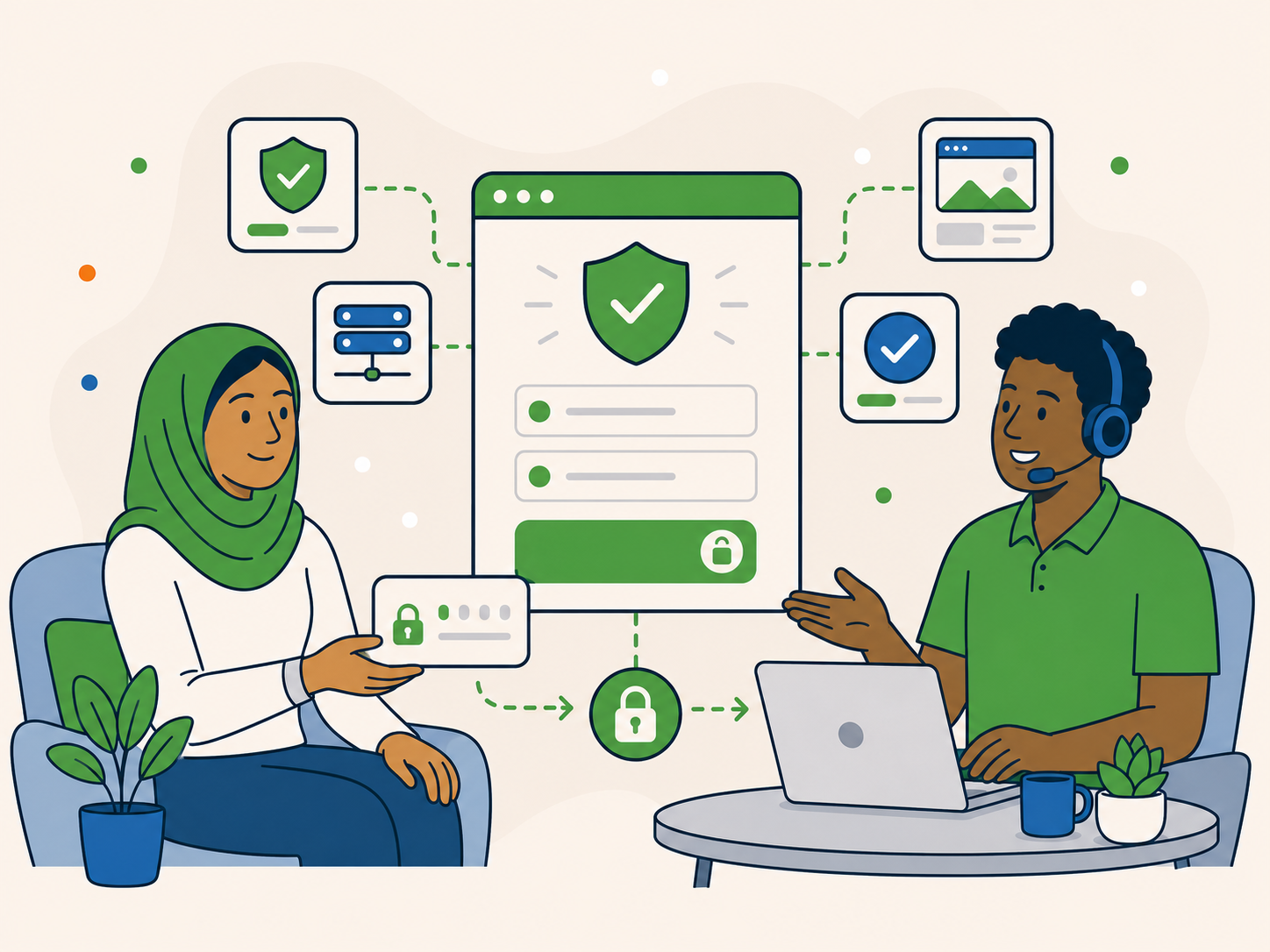
A quick check now can help us use the right access, avoid delays, and keep sensitive details out of normal email.
Please only submit details Newt Labs has asked for, and include enough context so we can match them to the right request.
This helps us start or continue the agreed work without unnecessary back and forth.
Do not send passwords by normal email. Enter them in the protected credential field below instead.
Make sure the website address is correct.
Add your ticket, order, or enquiry reference.
Tell us if the account uses 2FA, an invite system, or temporary access.
Send the details needed for the work we are helping with.
If you are not sure what access we need, ask us first.
You can use this form to send the access details Newt Labs has requested for your website, hosting, domain, or related tools.
Only send access that relates to the work we are helping with.
For logging into your WordPress dashboard to review, fix, update, or manage your website.
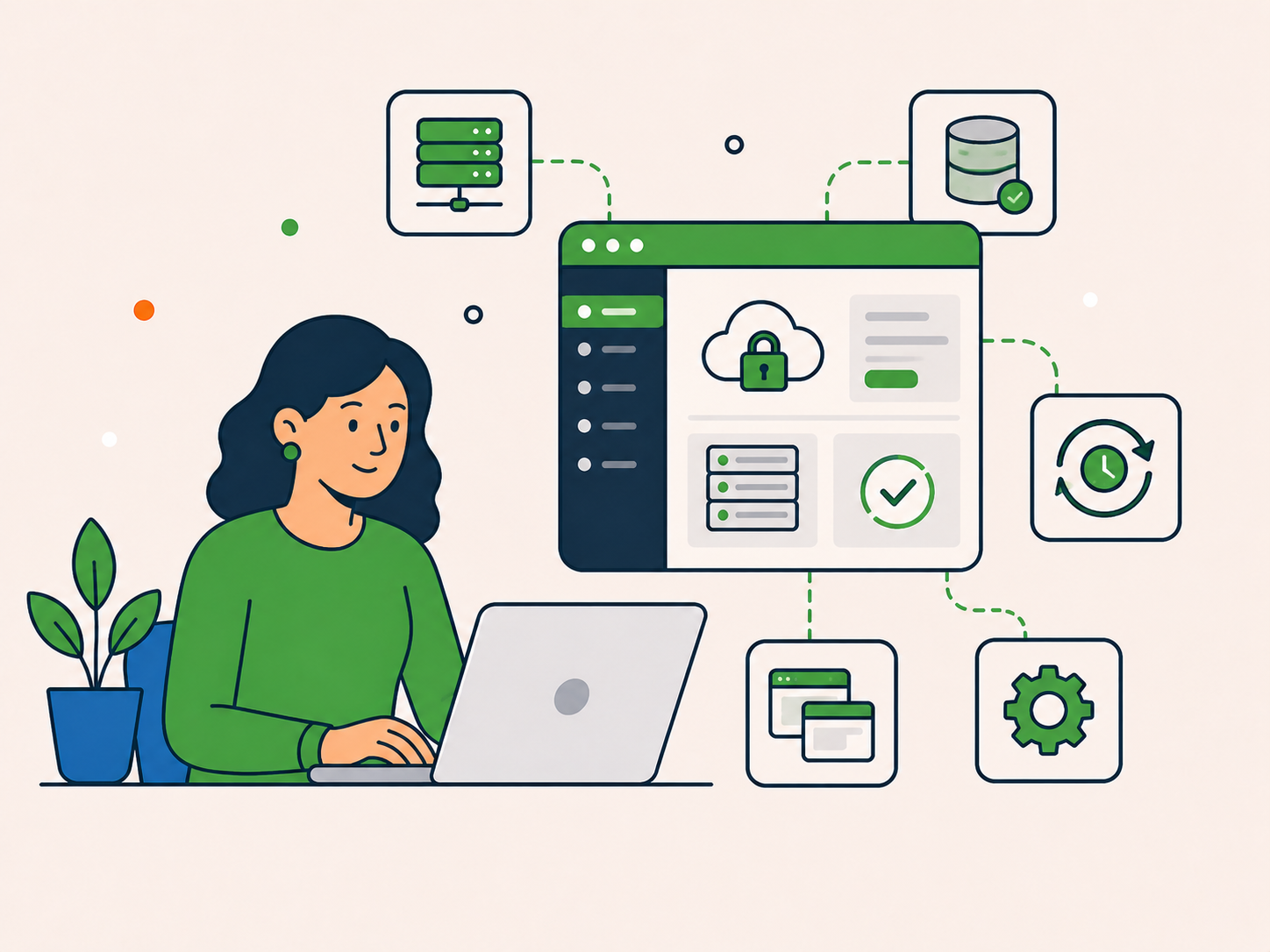
For files, databases, backups, staging, server settings, or hosting tools.

For domain settings, nameservers, DNS records, SSL checks, or related setup.
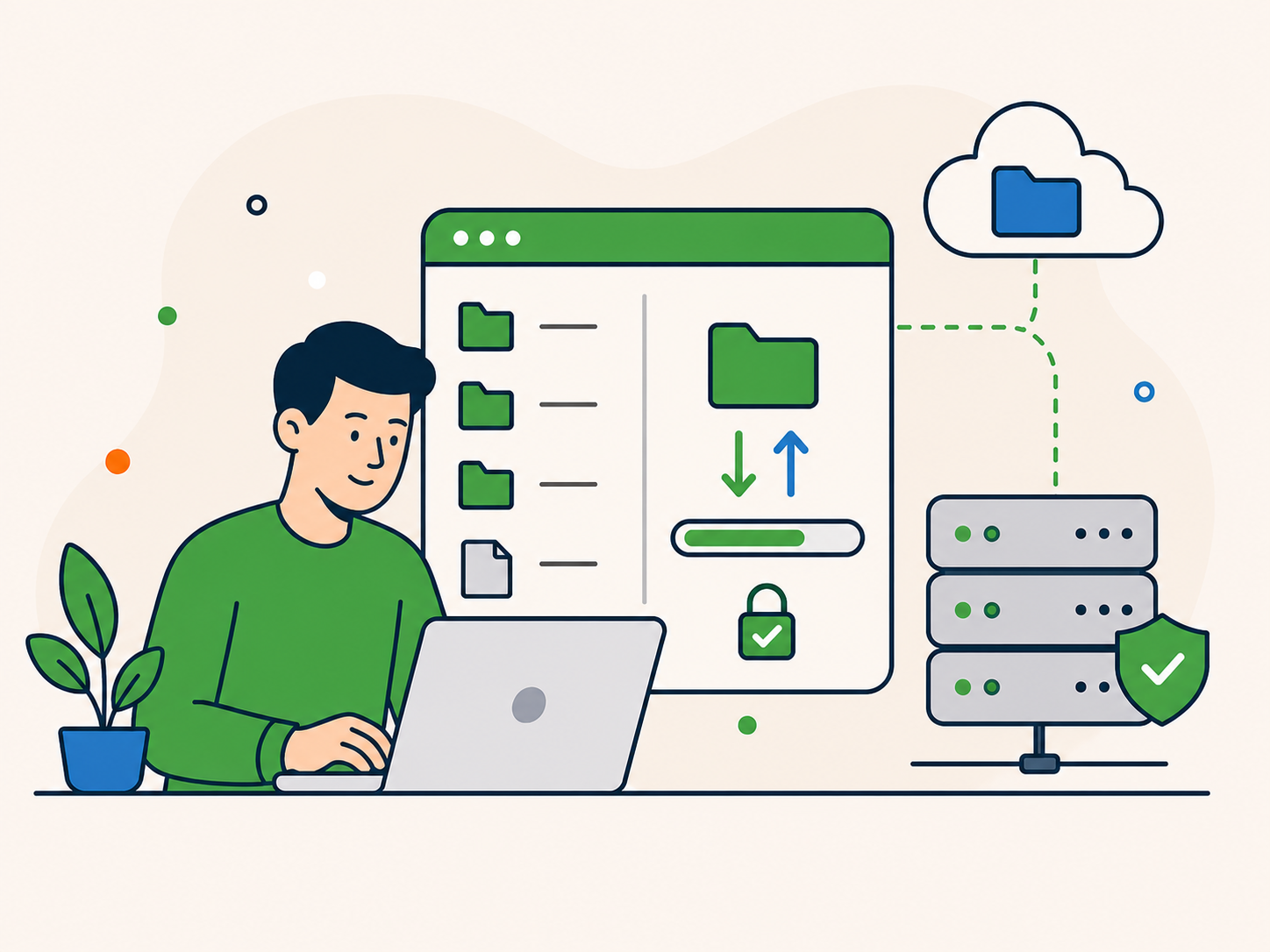
For direct file access when WordPress admin access is not enough.

For DNS, caching, security, SSL, performance, or CDN-related checks.

For plugin accounts, theme accounts, analytics, email tools, or other services we have asked you to provide.
If we have asked for more than one login, please submit a separate set of access details for each account. Use the notes field for helpful context, not additional passwords or credentials.
Use the secure form below to send the access details Newt Labs has requested.
Enter passwords or secure credentials only in the protected credential field. Use the notes field for helpful context such as two-factor authentication, temporary users, or account restrictions.
Your name, email address, website URL, access type, and the login details we have requested. Add your ticket, order, or enquiry reference if you have one.
Mention two-factor authentication, temporary users, invitations, account restrictions, or anything else we may need to know before logging in. Do not include extra passwords, recovery codes, or one-time codes in the notes field.
Only submit access details Newt Labs has requested for the agreed work.
Your access details will only be used for the relevant work Newt Labs is helping with.
If anything is missing, unclear, or does not work, we will contact you.
You do not need to resend these details by email after using the secure form.
Privacy Policy · Data Processing Addendum · Terms of Service
Once you send your access details, Newt Labs will check them and match them to the right support request, care plan, migration, hosting setup, or project.
If the access works, we will continue with the agreed work. If anything is missing, unclear, or does not work, we will contact you.
You send the login details, website URL, and any useful notes through the secure form.
We confirm the access matches the work we are helping with and check whether anything else is needed.
If everything works, we move forward. If something is missing or blocked, we will follow up with you.
You do not need to send the same details again by normal email.
Please do not guess or send extra login details just in case.
If you are already speaking with Newt Labs, reply to your existing support email and ask what access is needed. If you have not contacted us yet, choose the route that best matches what you need and we will guide you from there.
It is better to ask first than send access we may not need.
Reply to your existing support email to keep everything in one place.
A few quick answers before you send private details through the secure form.
For more detail, you can review our Privacy Policy, Data Processing Addendum, and Terms of Service.
Yes. Passwords and secure credentials submitted through the protected credential field are encrypted in the database and excluded from email notifications. Please use this form instead of sending them by email.
Usually no. This form is for access details Newt Labs has already requested. If you have not spoken to us yet, start with the right enquiry or contact route first.
Ask us first. Please do not guess or send extra access just in case.
Yes. If we need more than one login, please submit a separate set of access details for each account. Use the notes field for helpful context, not additional passwords or credentials.
Please mention this in the notes. Depending on the account, we may ask you to approve a login, create a temporary user, or invite us directly. Do not include one-time codes or recovery codes in the notes field.
Please submit the updated details through the secure process again, or contact us so we know the previous access has changed.
We will only use them for the relevant support request, care plan, migration, hosting setup, or website project we are helping with.
If Newt Labs has asked you for access and you know which details to send, use the secure form to submit them.
If you are not sure what we need, ask first and we will point you in the right direction.
Please do not send passwords by normal email.
Send the requested access details through the secure form.
Contact us before sending private login details.