

Visitors lose patience faster
Slow-loading pages create friction before people have even engaged with what you offer.
If your website feels sluggish, clunky, or slower than it should, we can help improve it. Newt Labs looks at what is likely holding performance back and helps improve the areas that matter most, so your site feels faster, smoother, and easier to use.
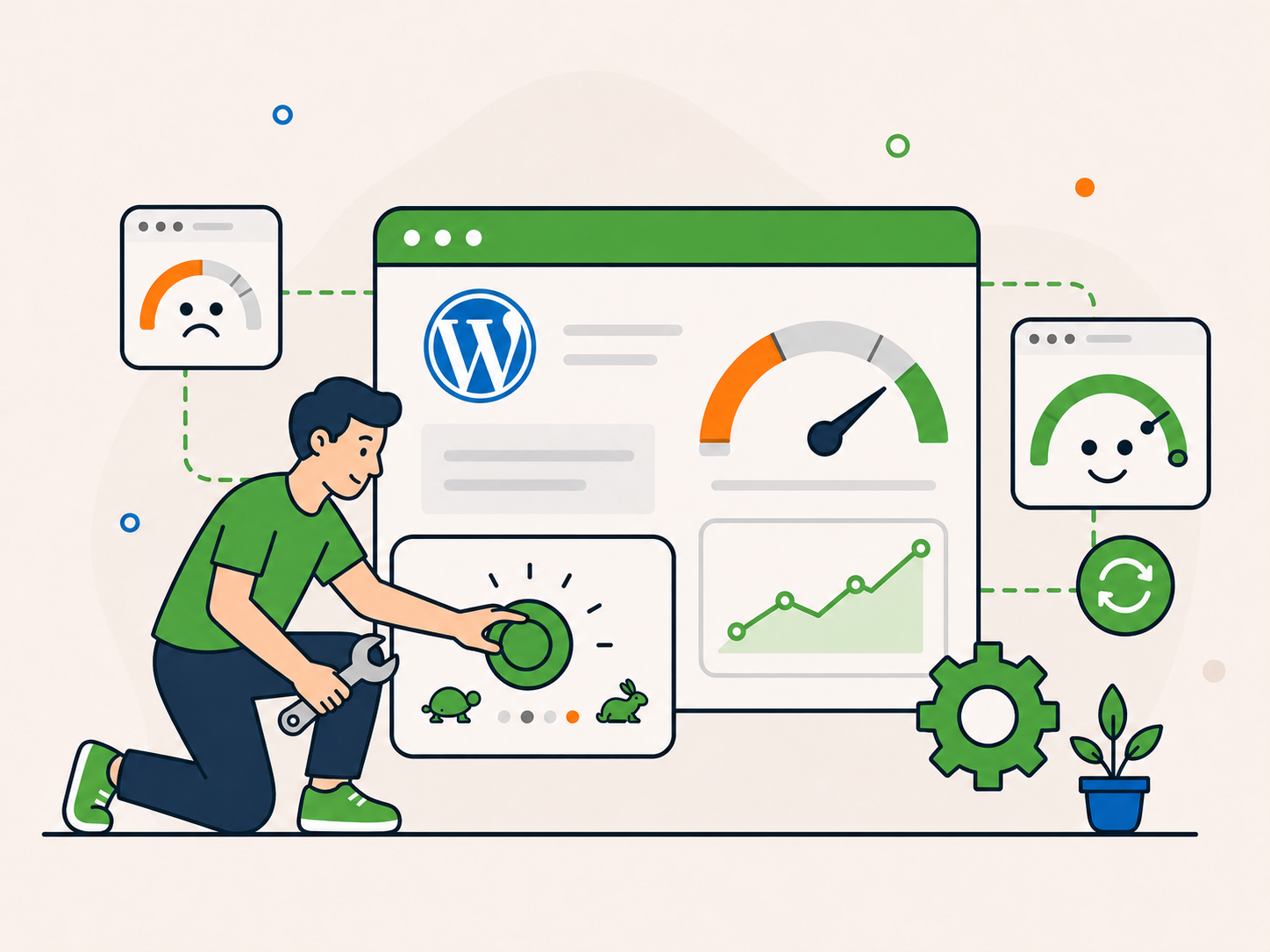
Created for sites that feel underpowered, heavy, or harder to use than they should.
Understand what may be affecting performance without being buried in jargon.
Know when hosting, broader support, or ongoing care may also need attention.
Start with the closest fit and take the next step with more confidence.
When a website feels slow, people notice. Pages feel harder to use, the experience becomes more frustrating, and the business behind the site can seem less polished and less dependable. Speed is not just a technical issue. It shapes how your website feels from the first click.
Slow-loading pages create friction before people have even engaged with what you offer.

When performance feels poor, the business behind the site can seem less dependable too.

On mobile, heavy pages and slow loading can make browsing more frustrating.

When key content appears late, visitors may move on before they see what you offer.
The good news is that slow websites can often be improved once the real bottlenecks are identified.
A slow site is rarely caused by one thing alone. In many cases, it comes from a mix of heavy pages, too many moving parts, weak hosting, or a setup that has gradually become harder to manage.

Large images, videos, and bloated layouts can slow the site down.

Some plugins and settings add unnecessary work. The number of plugins alone does not tell you how fast a site will be.
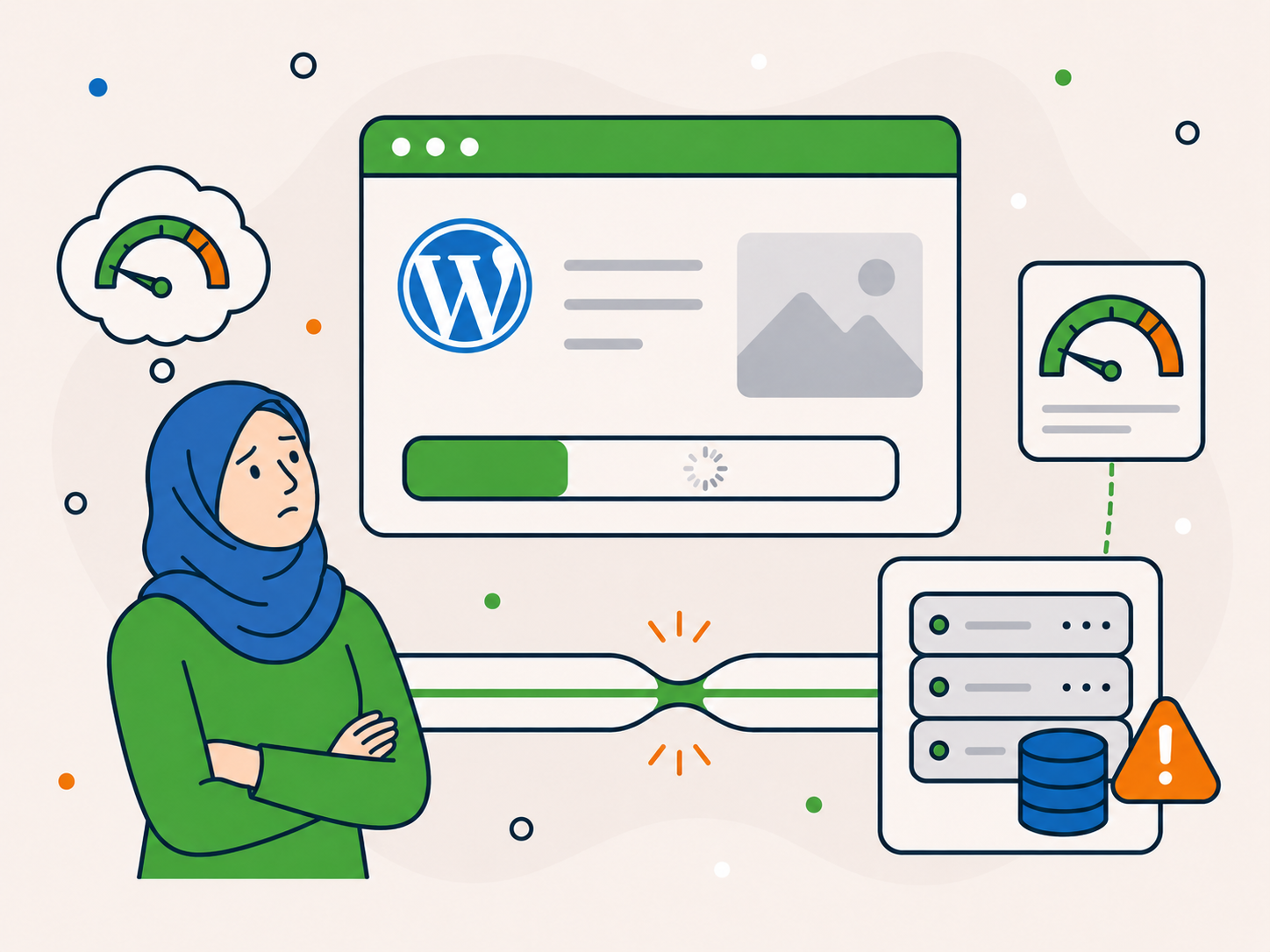
Sometimes the site itself is only part of the issue. The hosting environment may be limiting speed too.
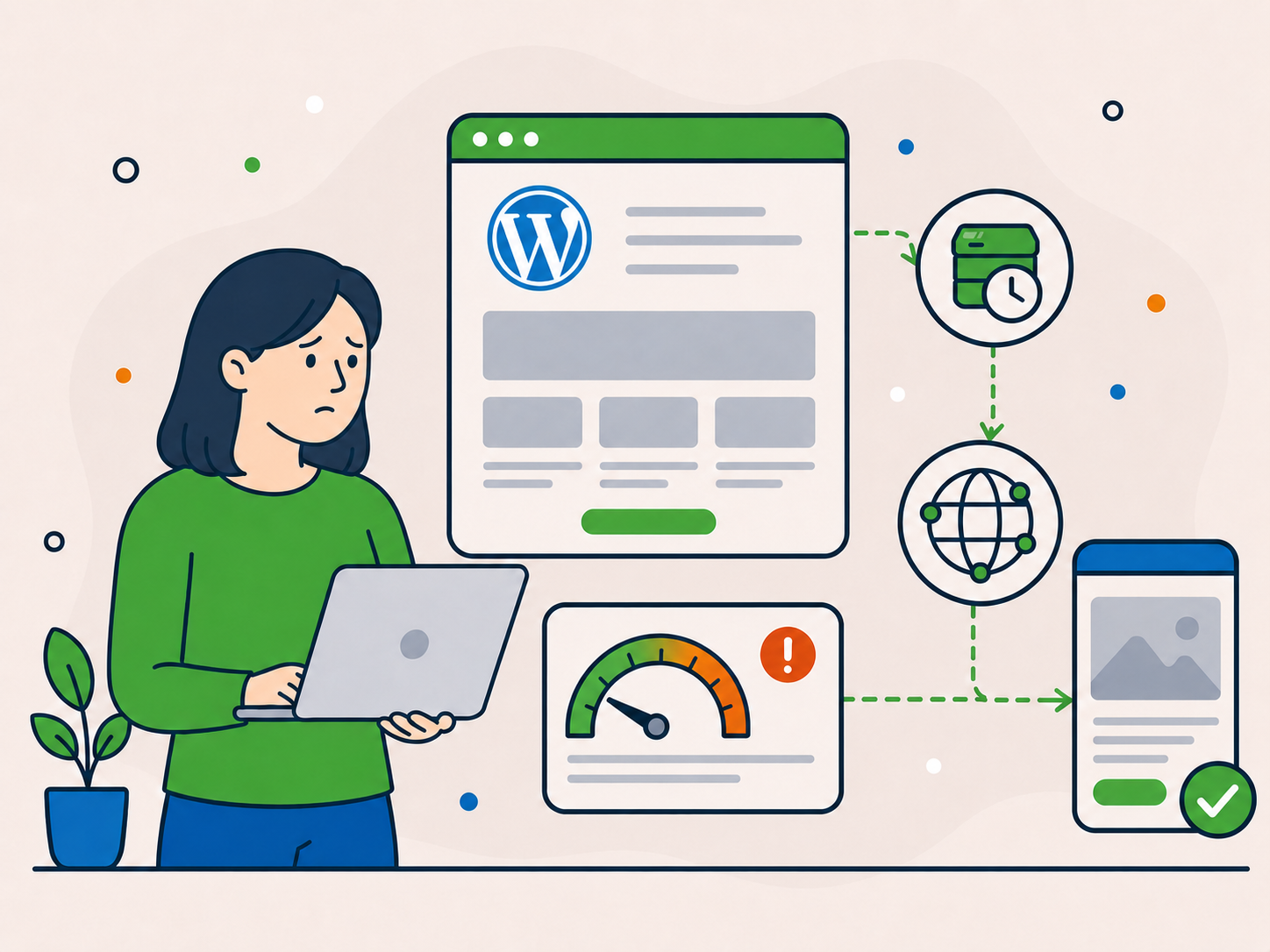
If pages are not being delivered efficiently, even a decent site can feel sluggish.

Some themes and builders add more weight than they need to, especially on mobile.

New content and features can affect speed over time. Periodic reviews can help spot problems.
You do not need to figure this out on your own. Most speed issues become much clearer once the main bottlenecks are reviewed properly.
The goal is not just to chase scores. It is to make your website feel faster, smoother, and easier to use. That can mean improving loading times, reducing friction for visitors, and helping you understand whether the site, the hosting, or the wider setup is holding performance back.
If speed optimisation is only part of the answer, we will point you in the right direction rather than forcing the wrong fix.
Help pages feel quicker and less sluggish.
Reduce the friction that makes a site feel clunky or frustrating to use.
Improve how the site feels on smaller screens, where speed problems often stand out more.
A faster site feels more polished, more reliable, and easier to trust.
Show whether the problem is mainly on the site itself or whether hosting and wider support also need attention.
If your website feels slow, heavy, or frustrating to use, start with one-off WordPress speed optimisation. We will look at what is likely holding performance back and improve the areas that matter most.
Best for WordPress websites that feel slow, clunky, heavy, or less responsive than they should, especially when the site works but the experience feels poor.
One-off speed optimisation, ex VAT
If you are not sure whether speed optimisation is the right fit, tell us what is going on first. We can help you work out whether the issue is speed, hosting, repair, or broader support.
Speed optimisation is usually a good fit when your website works, but feels slower, heavier, or less responsive than it should. If the issue runs deeper, such as weak hosting, broken functionality, or a site that needs more ongoing care, we will help point you towards the better path.

Your site loads slowly, feels clunky, or struggles on mobile, but the main issue is performance rather than something being broken.

If server resources or configuration are limiting performance, hosting may need attention before other changes make much difference.

If pages are breaking, features are failing, or the issue goes beyond speed, support or repair may be the better starting point.

If you want help keeping your website maintained after the one-off work, a care plan may be worth considering.
You do not need to diagnose it perfectly first. Start with the closest fit and we will help guide you if something else makes more sense.
You do not need to know exactly what is causing the slowdown before getting started. If speed optimisation looks like the right fit, you can order online. If not, you can ask first and we will point you in the right direction.
Order online if the main issue is a working but slow website. If it is also breaking or unreliable, send an enquiry first.
We look at the likely bottlenecks and focus on the areas affecting performance most.
If the site also needs better hosting, broader support, or ongoing care, we will make that clear.
Some websites need more than performance work alone. If your site is also being held back by weak hosting, broader technical problems, or a lack of ongoing care, these are the most relevant next steps.

If hosting resources or configuration are limiting performance, a suitable hosting setup may help.
See Hosting Options
If something is broken as well as slow, repair may be the better starting point.
See Website Repair
If you are not sure what the real issue is, support gives you a broader route in.
Get WordPress Support
If you want help with regular website upkeep after optimisation, explore our ongoing care plans.
View Care PlansYou do not need to force the wrong service. We will help point you towards the path that makes the most sense.
A faster website is one thing. Clear advice and help when problems run deeper matter too. Here's what clients say about working with Newt Labs.
“Steven did an amazing job of sorting out my WordPress site. It is now a lot faster and much cleaner in the editing. He gave great advise on what needed doing and explaining the techy stuff in a non jargon way. I would highly recommend his services to everyone who has a WordPress site especially his one off service to give the site an update, clean out of old plugins and an general overhaul.”
 Audrie Reed, BM Videomedia
“I was pleasantly surprised at the speed and responsiveness of Newt Labs. They addressed the problems with my website very quickly, and kept me apprised of the progress. There was an additional issue that emerged after several days, and they immediately responded and took care of it. That is the sort of service that one desires, but rarely gets! I can enthusiastically recommend Newt Labs!”
 Daniel Lapin, CutJibNewsletter
“The team at newt labs have been nothing but incredible when a site I was working with was largely abandoned by its ongoing host and admin. Newt took over a long standing legacy wordpress site, mirgrated it into their hosting with incomplete details, then updated, maintained, and solved a bunch of issues from bots capacity and compatibility that were crippling the site. Fantastic service, great team, do not nesitate to contact Newt if you're in a bind.”
 Edward Orr, GameSpace
If you are trying to work out whether this is the right service, these are some of the most common questions worth answering before you get started.

No. If your site works but feels slow, you can book speed optimisation without diagnosing it yourself. If it is also breaking or timing out, ask us first so we can help you choose the right service.
Not always. Some sites also need better hosting, repair work, or more ongoing care to get the best long-term result.
Not necessarily. Scores can be useful, but they do not tell the whole story. We focus on practical improvements to loading and responsiveness rather than promising a particular number.
It is not always obvious. Slow server responses or frequent timeouts can be clues, but problems with the site itself can cause similar symptoms. If you suspect hosting is involved, ask us first so we can help you choose the right starting point.
Speed Optimisation is a one-off service. A care plan may make sense later if you want the site looked after more proactively over time.
You do not need the full diagnosis before taking the next step. Start with the closest fit and we will help from there.
If your WordPress website works but feels slow, start with one-off speed optimisation. If it is also breaking or you suspect hosting is the main issue, ask us first so we can help you choose the right route.